Project 01 · mobile app
Plex Audiobooks
Plex is a great server for an audiobook library but a poor audiobook player. We keep Plex as the back end, serve each book as a plain album, and do all the audiobook work on the phone.
The real app
Running on a phone today
Screenshots from the Android build, streaming from a home Plex server, in four groups. Tap a phone or its caption to bring it to the front.
First run
Three pages before you sign in
The app's onboarding, rebuilt from its own source: the same pages, words, icons and animations. Tap Continue or swipe the phone. On the last page, Start setup plays the Plex sign-in steps.
AUDIOBOOK
YOUR LIBRARY
Your audiobooks.
Your server.
Listen to your audiobook library directly from Plex, with your listening experience kept on your device.
- Plex library
- Progress kept locally
- Never writes to your server
BOOK
LISTEN YOUR WAY
Listen anywhere.
Keep it local.
Your listening progress stays on your device. Download books when you want to take them offline.
- Your device
- Download and listen offline
- Private by design
BOOK
MORE THAN AUDIO
More than just
listening.
Turn your audiobook into text when you want to skim, search, revisit, or catch up faster.
- Readable transcripts
- Search inside books
- Processed on device
Swipe to explore
Three pages say what the app is before it asks for anything: your server stays yours, your progress stays on the phone, and the audio can become text.
Start setup opens Plex's own sign-in in the browser. The app waits for your approval and keeps the token in the phone's secure storage.
Sign-in uses the same device registration and approval as any other Plex app. The phone shows up in the server's device list, where the owner can evict it or revoke its access at any time.
The gap
Three things Plex won't do for audiobooks
No proper audiobook agent
A book is treated like music. Narrator, series and descriptions don't fit the metadata model.
Serve it as an album, enrich on the phone
Plex only hosts the files. The app backfills chapters, genres and descriptions from AudiobookDB and AudioSilo.
Chapters get lost
Chapter markers in the file often never make it through the API, so a 12-hour book is one long track.
Read chapters from the file itself
The app parses the M4B's own atoms, even while streaming, and rebuilds the chapter list.
Audio is a black box
You can't search a book, see what you bookmarked, or remember where the story was.
Transcribe it on the device
Whisper runs locally. The text drives search, smart bookmarks, recaps and a read-along view.
How it works
Six drawings of the machinery
Pick a part of the system. Each drawing shows where the data goes and what runs where.
Chapter x-ray
Same file, two different answers
Many M4B files store chapters twice: as a QuickTime chapter track, which Plex reads, and as a Nero chpl list, which Plex ignores. When a tagging tool leaves the first one as a one-entry stub, Plex shows no chapters even though the data is in the file. The app reads both and keeps whichever has more entries.
What Plex shows
E. M. Holt · Album · 2019
What the app reads from the file
Try it
Play with the player
A simulation of the app with a made-up demo book. Drag the scrubber, open the read view, search the book, drop a bookmark or ask for a recap.
Catch me up
The chapter under the cover updates as you scrub. Plex reported one for this file.
A page estimate from narration speed and words per printed page, so an audiobook feels like a book. A sensible guess the user can tune, not metadata.
The transcript follows the audio and is split by chapter. Tap a line to jump there.
Find a phrase in the book, or across the whole library, and jump to that moment.
Bookmarking transcribes the audio around the spot, 30 seconds each side by default, so every bookmark comes with its own context. Window and read-around length are adjustable.
An on-device model summarises only what you've already heard, chapter by chapter, then combines the summaries.
In the car
Android Auto, with the whole library
Plex's own apps treat the car as a music player. Here the car gets the audiobook app: your books in progress, the full library, cover art, and resume in the right spot.
Playback runs on a native Media3 module with a media library service, so the car, the lock screen and the notification all control the same player.
Books in progress up front and the full library behind them, with artwork.
Steering-wheel and on-screen seek buttons skip back 15 and forward 30, like in the app.
ePages, the math
How long is an audiobook in pages?
Page numbers make an audiobook feel like a book. The estimate is plain arithmetic, and it lines up well with the print and audio lengths publishers list for the same title.
Estimated length
pages · about 1.8 minutes of listening per page
By the numbers
Three weeks, a lot of commits
Project 02 · Android TV
Blackbox TV
TV apps are usually phone apps stretched to a big screen, or a web page in a wrapper. Blackbox TV is written in Kotlin for the remote, plays through Media3, and runs on any Android TV box. It is used every day on an Nvidia Shield TV Pro, our test device. Plex is the live backend today; the interface never talks to it directly.
One app, two skins
Same app, same data, redrawn
Web recreations of two of the app's skins, built from their own colours, fonts, sizes and motion. Halo is light that frames things: a gold ring for focus and a floating tab bar, in light and dark. Monolith is black slabs with an orange marker, like a flight recorder. Switch between them: same titles, same menus, different app. Each demo loops by itself, and the D-pad shows which remote key is pressed. Every title, person and picture is invented.
The gap
What the stock apps get wrong on a TV
The same film, twice
Each library is its own list. A film in both your 4K and HD libraries shows up two times.
Merge libraries, keep the copies
Libraries of one kind browse as one list, even ones shared with you from another server. Copies with the same IMDb, TMDB or TVDB id become one title with versions, and shared copies are marked Remote.
A cut is a file name
To know which file is the Director's Cut you open the details and read paths.
Cuts are version labels
The edition the server names, or one read from the file name: Extended, Theatrical, IMAX and more. Best picture first.
One fixed interface
Menus hold one kind of library, and the look is what ships.
Skins over one core
Eight skins redraw every screen on the same data. A menu entry can mix movies and series, like "Documentaries".
How it works
Four drawings of Blackbox TV
By the numbers
Tuned on the real box
Project 03 · an illustrated long read
Enigma & Lorenz
The Enigma and the Lorenz machines protected the most secret German messages of the Second World War. Both rest on a five-hundred-year-old idea: encipher every letter with a different alphabet. This page builds that idea up one step at a time, from a shifted alphabet to a machine with twelve wheels, and shows the mathematics that hid the messages and the mathematics that exposed them. It ends with the public keys that replaced the codebooks.
- ICaesar
- IIVigenère
- IIIEnigma
- IVLorenz
Ten presses of the same key. The rotors turn before every letter, so each A lights a different lamp.
Every figure is live
Twenty-four instruments, not illustrations
Each figure on the page is a working model you can type into, drag or run. Eight of them, as they look on the page:
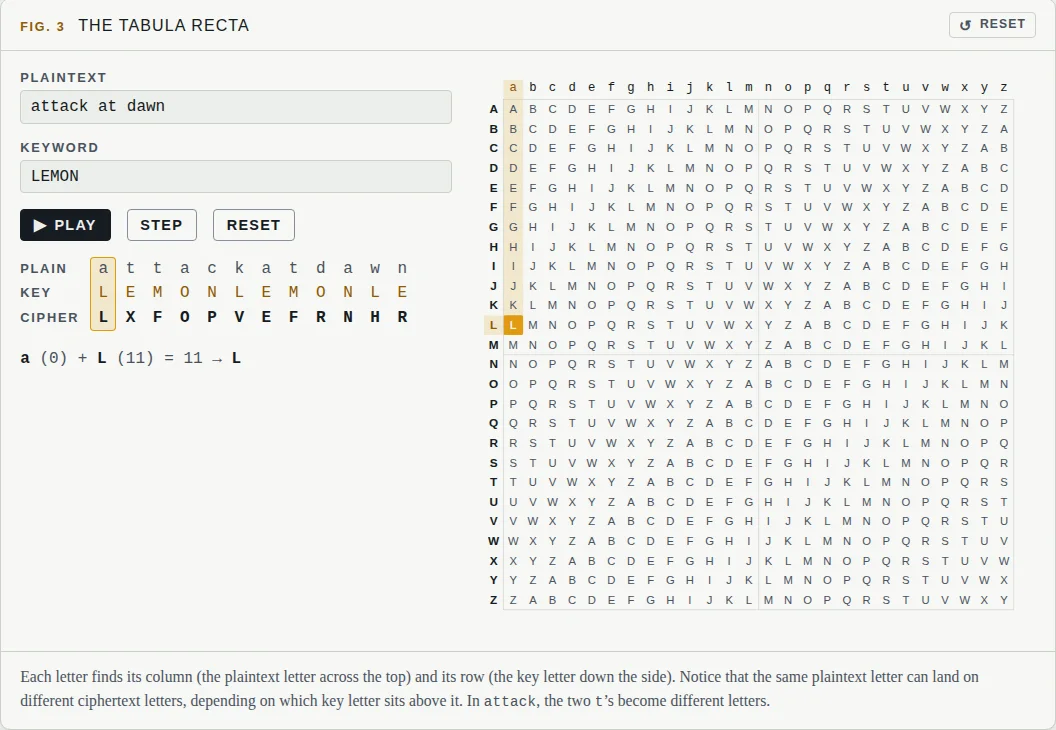
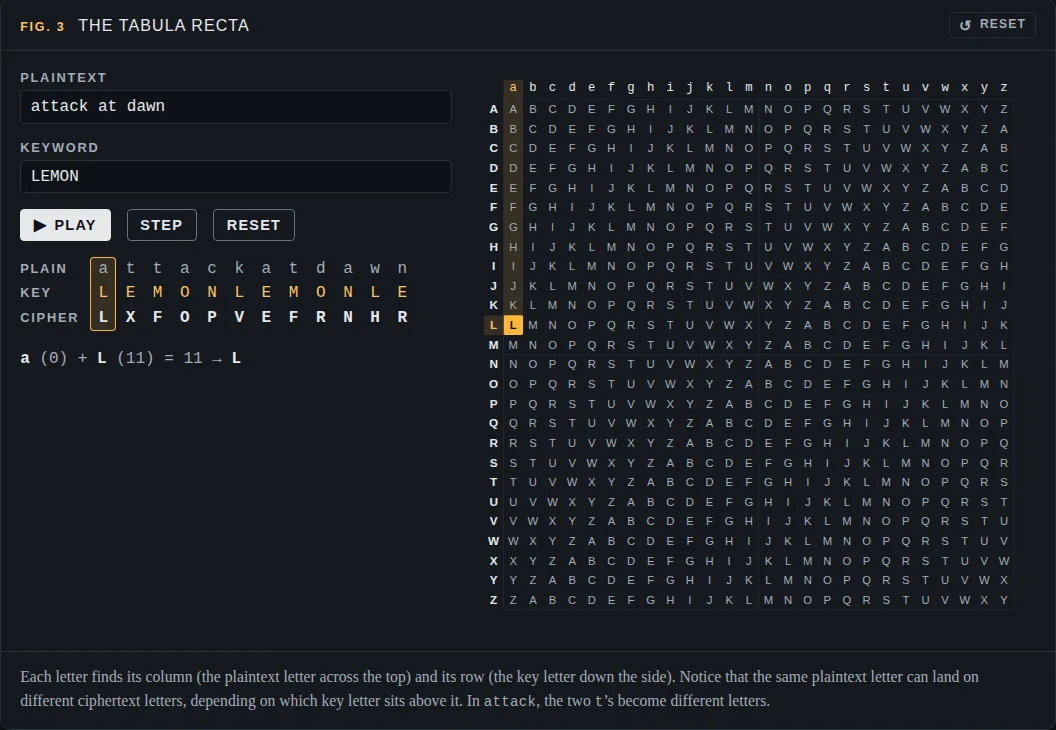
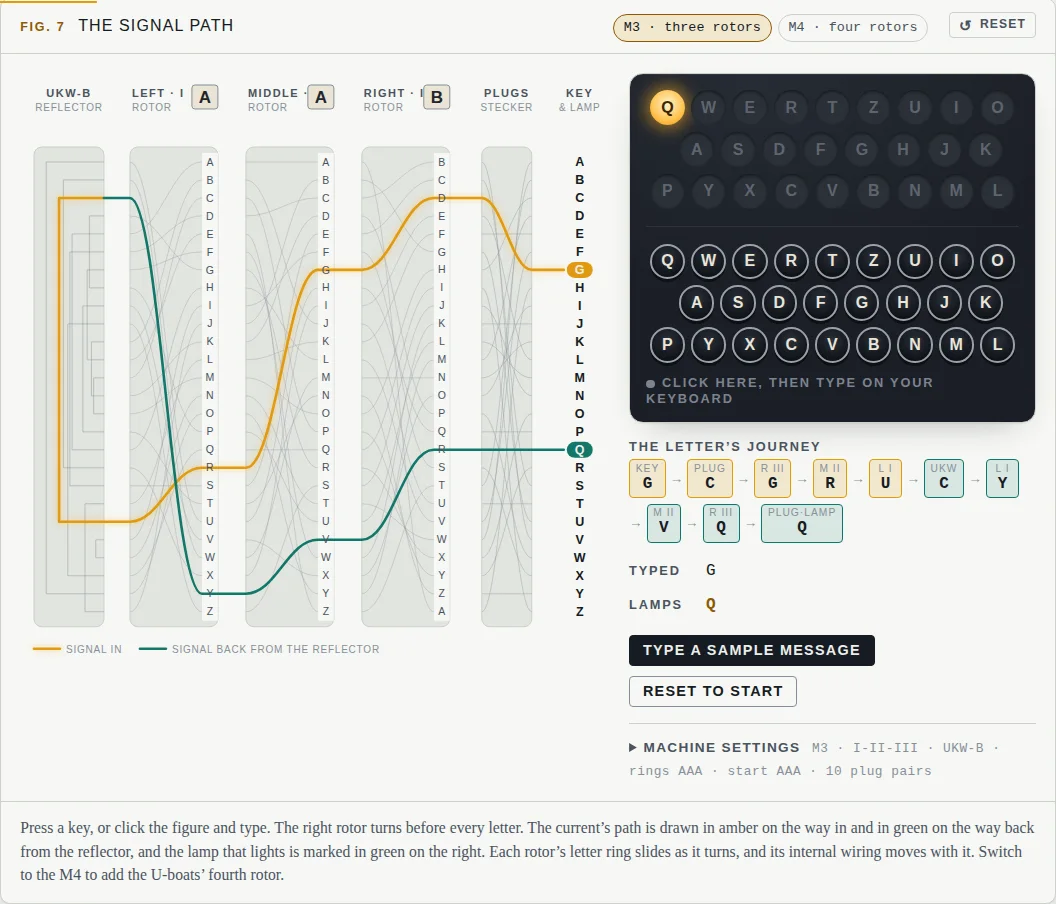
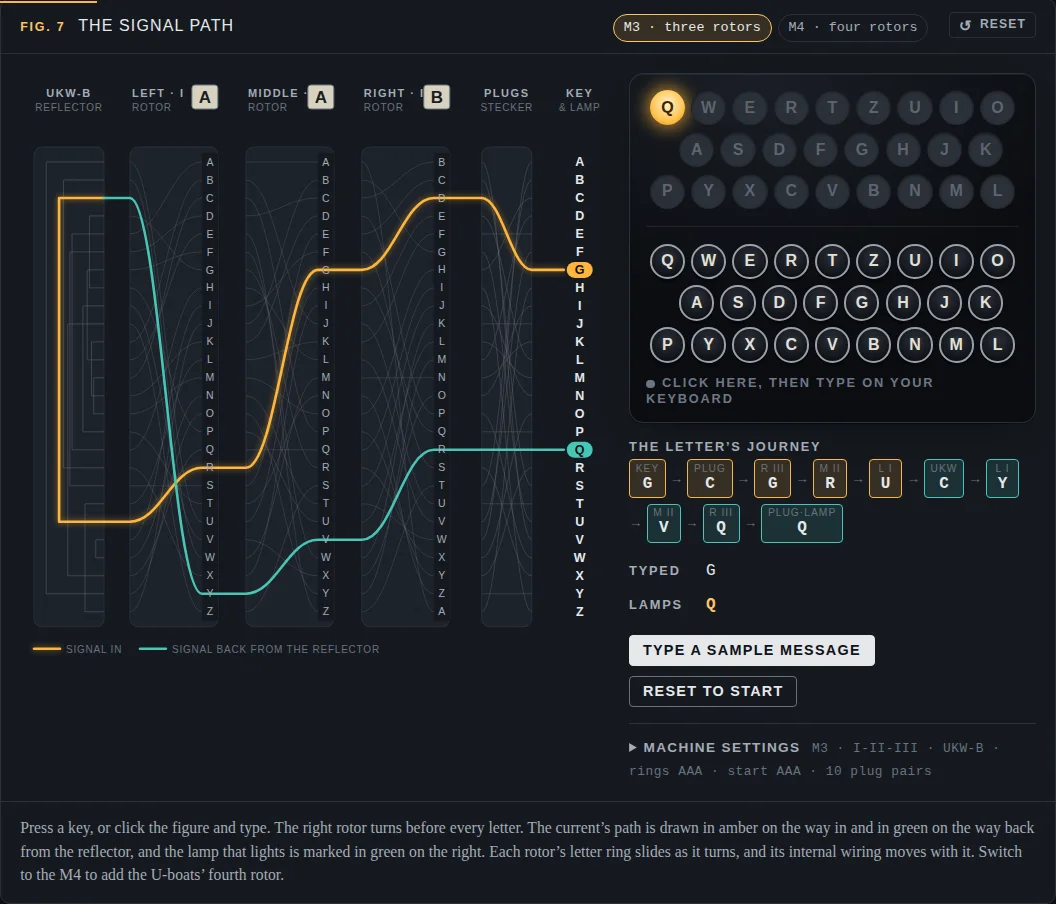
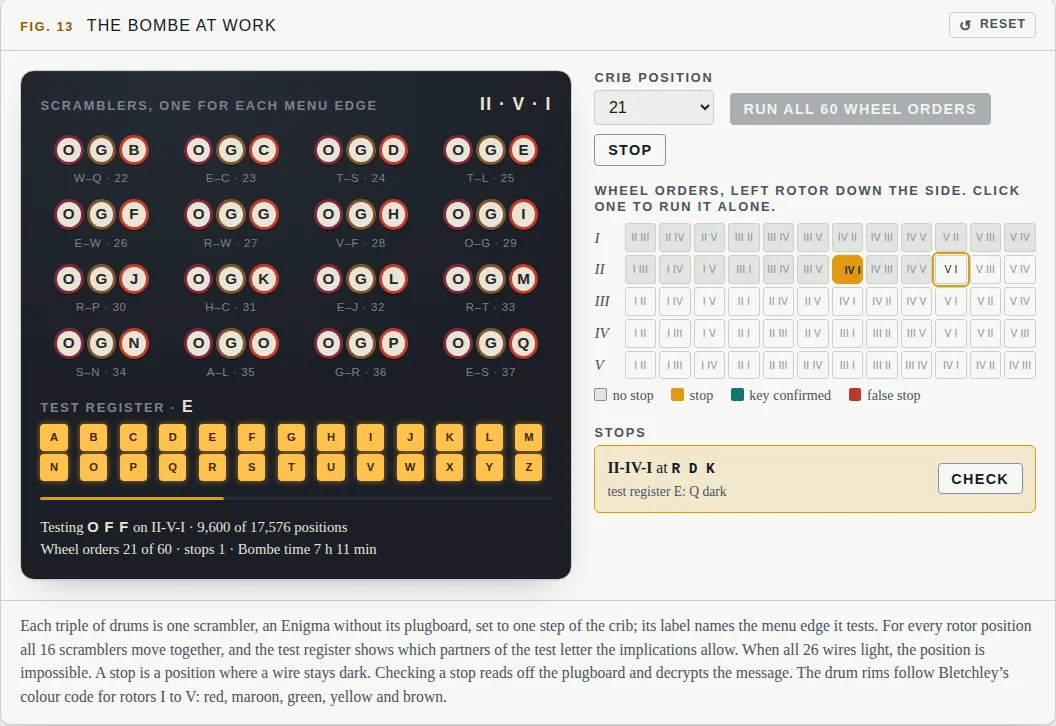
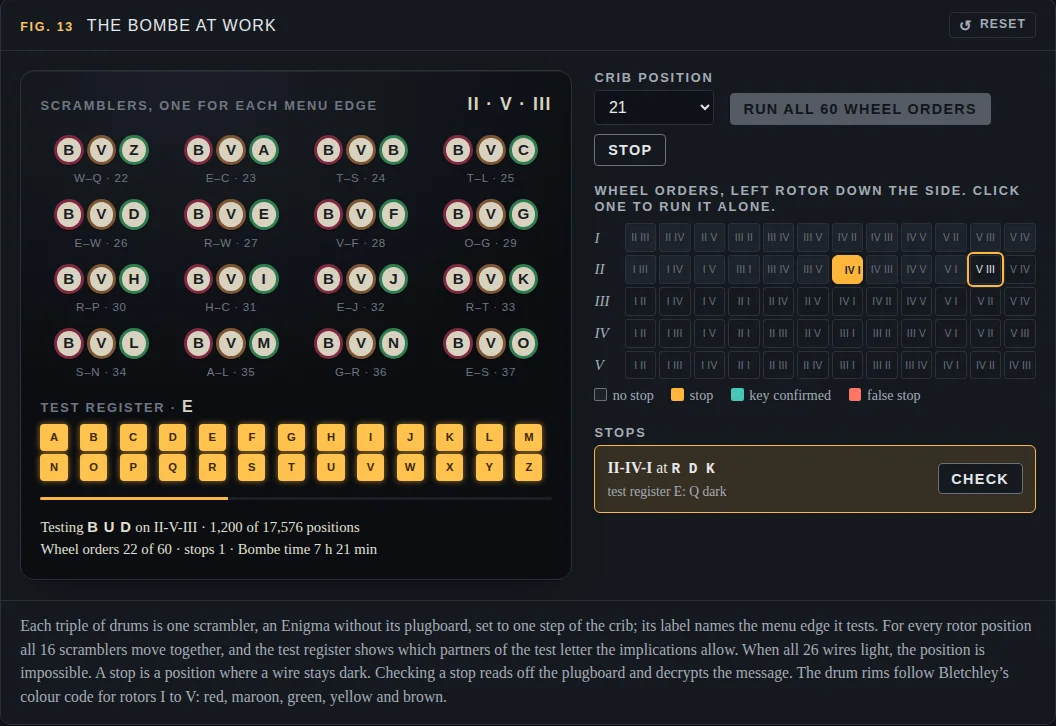
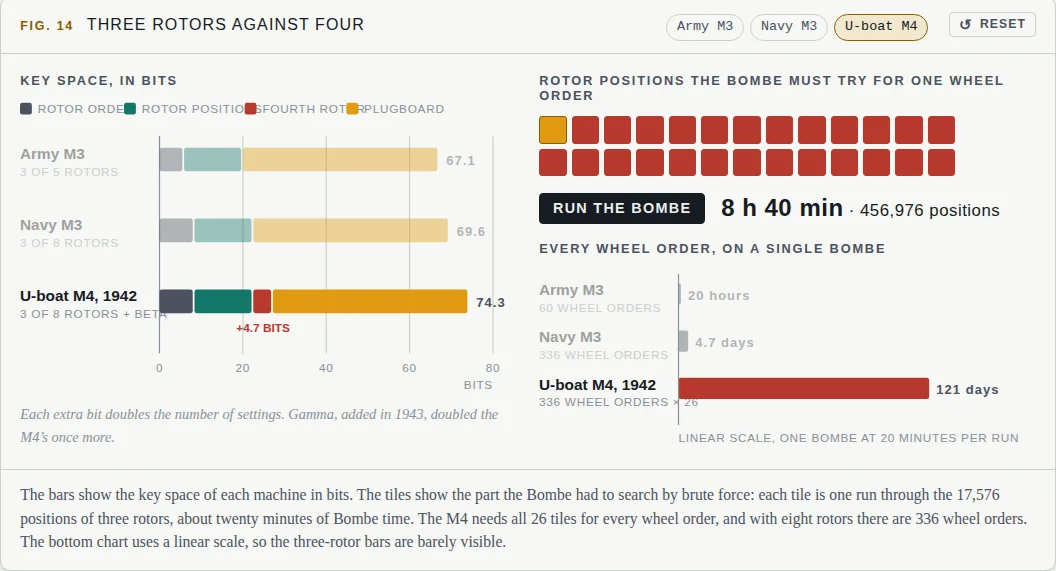
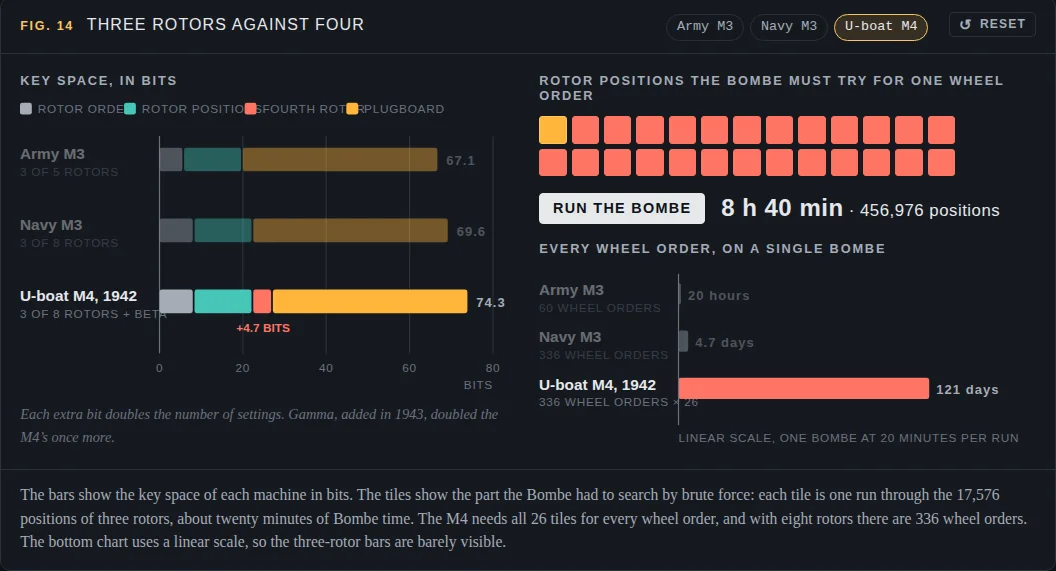
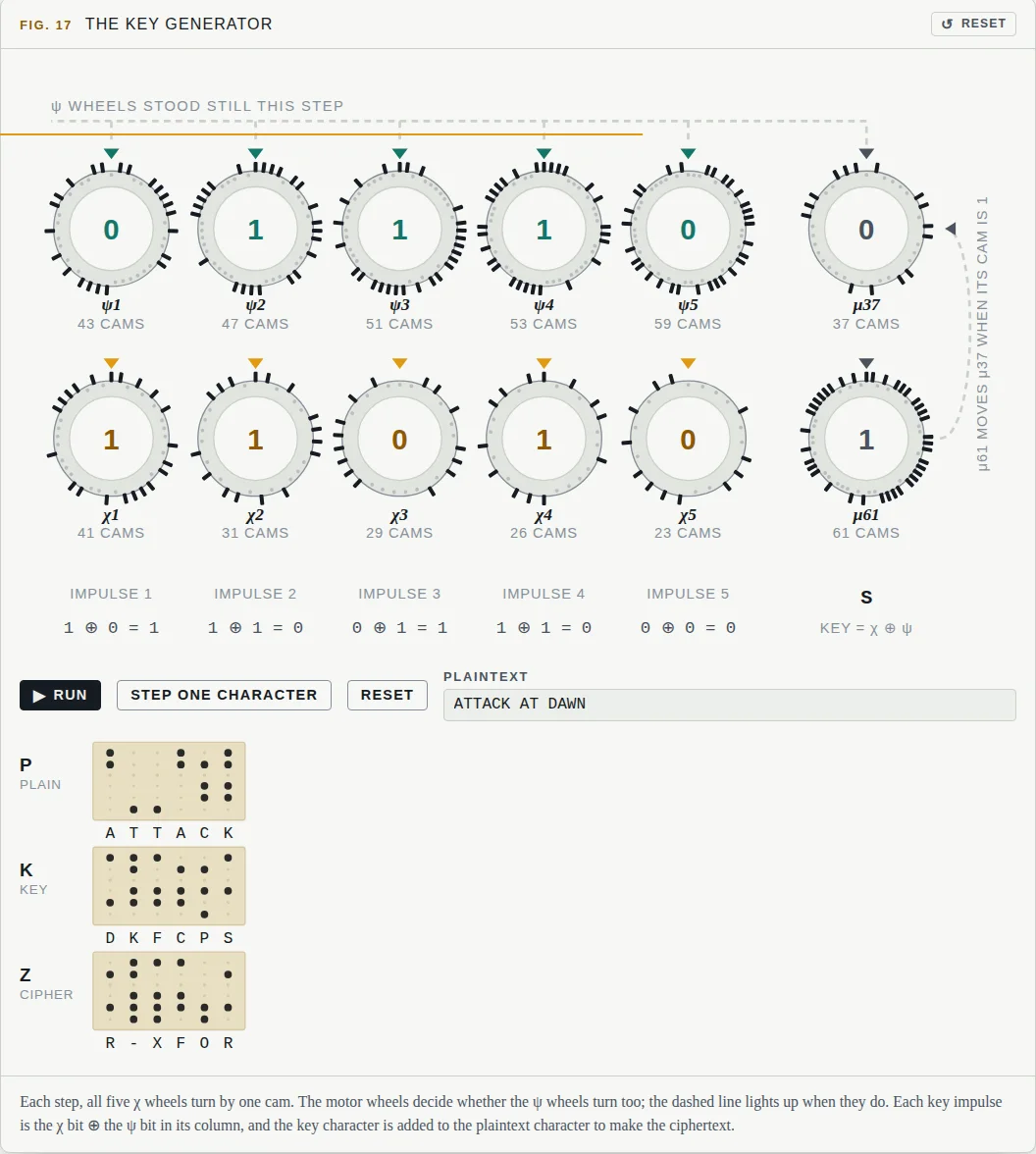
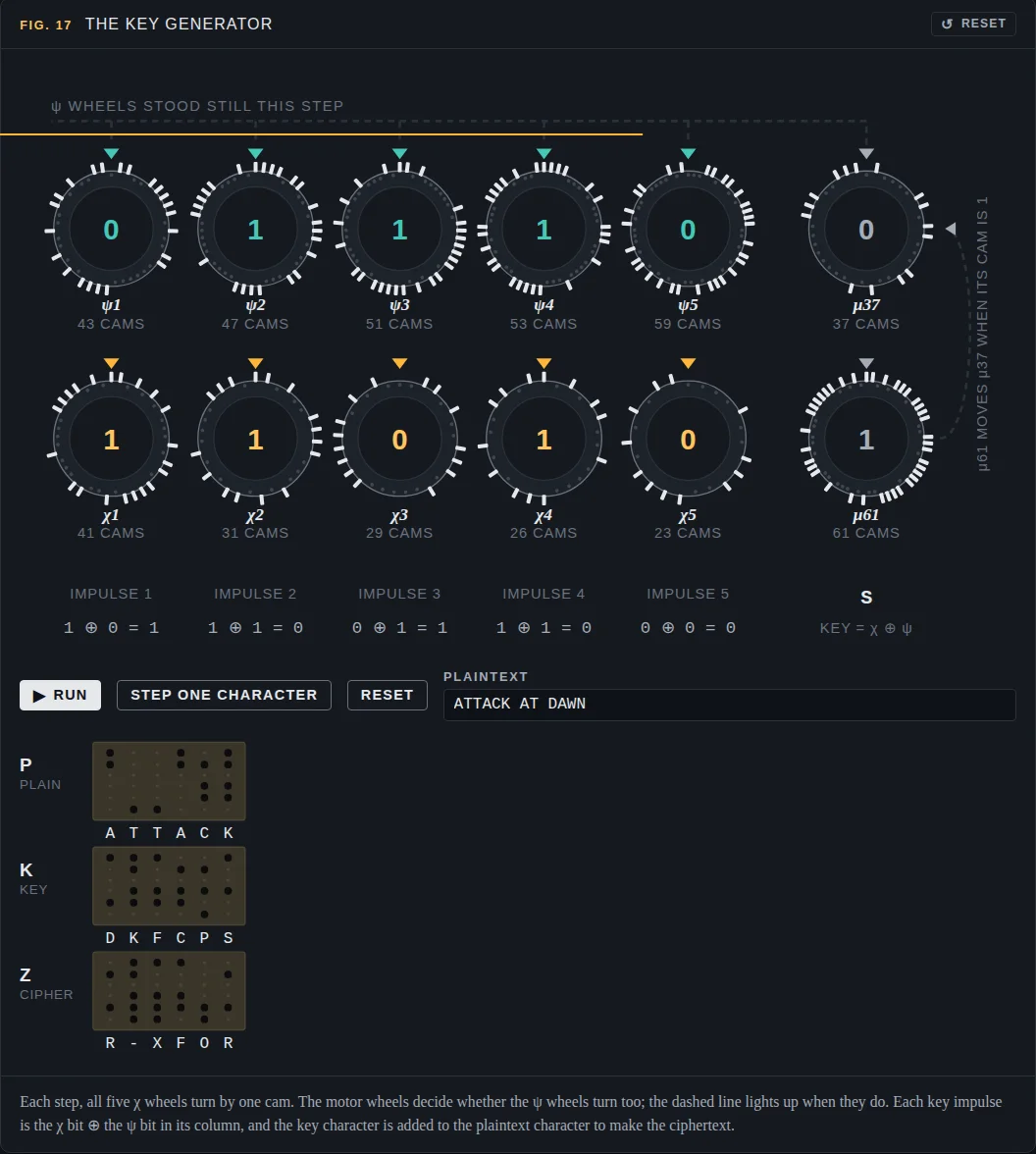
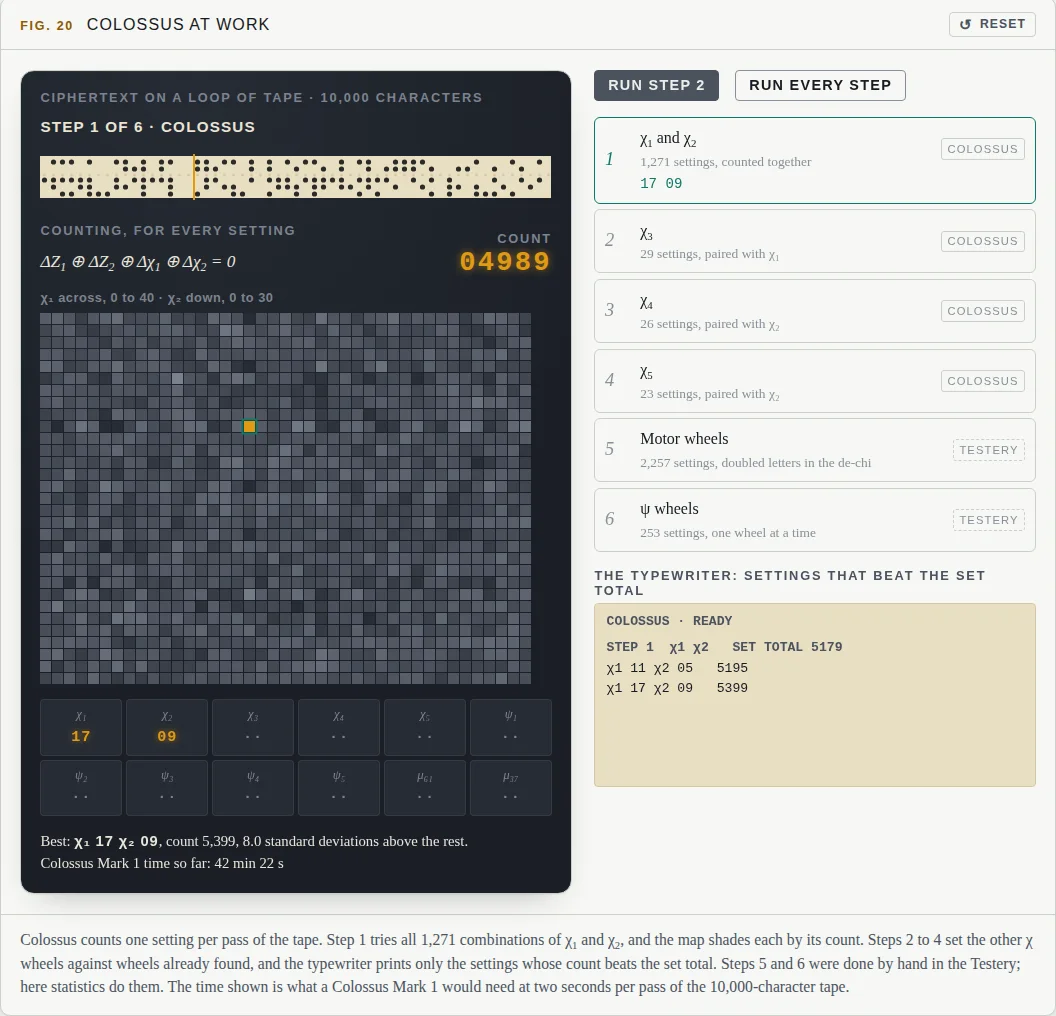
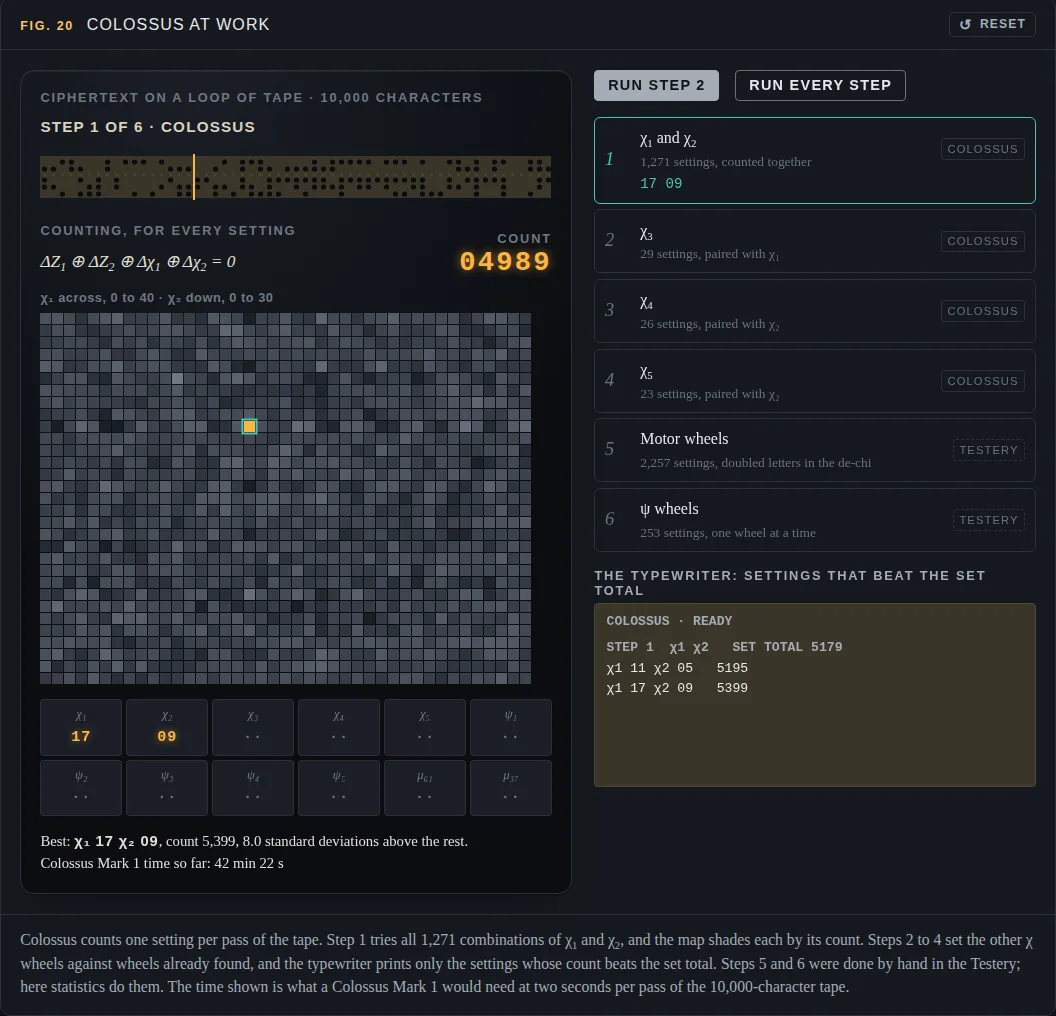
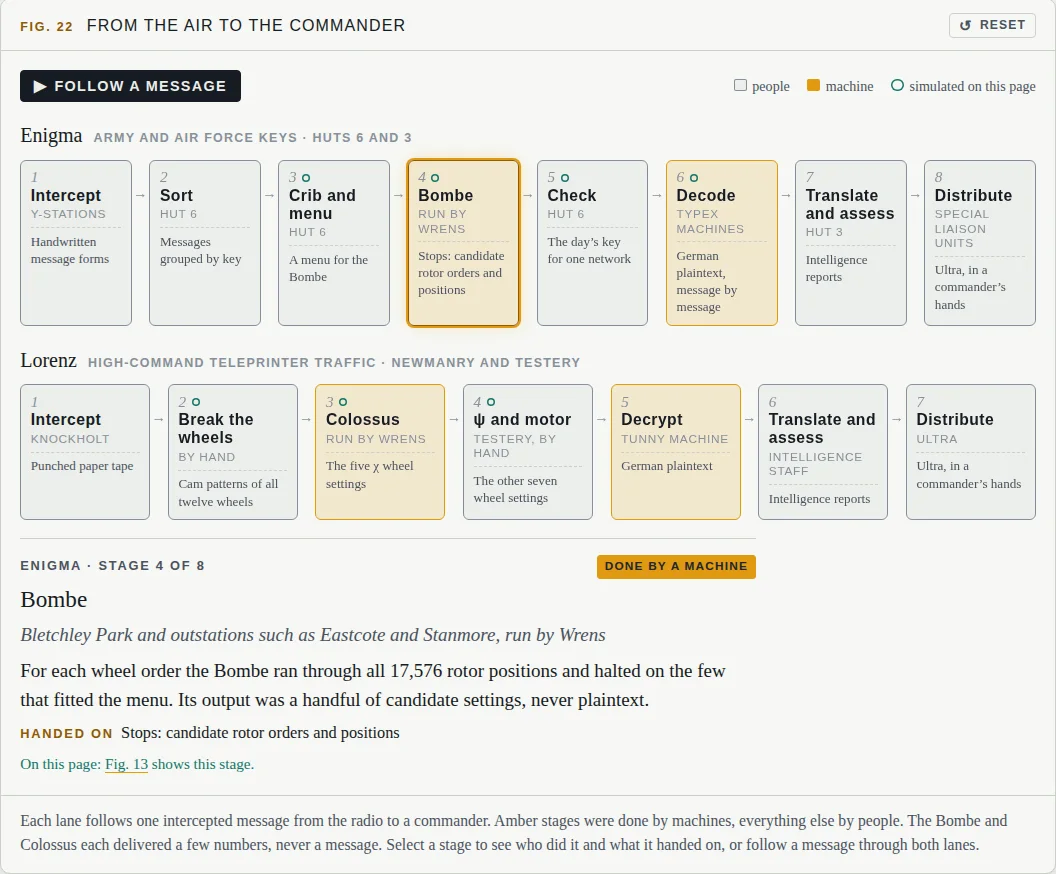
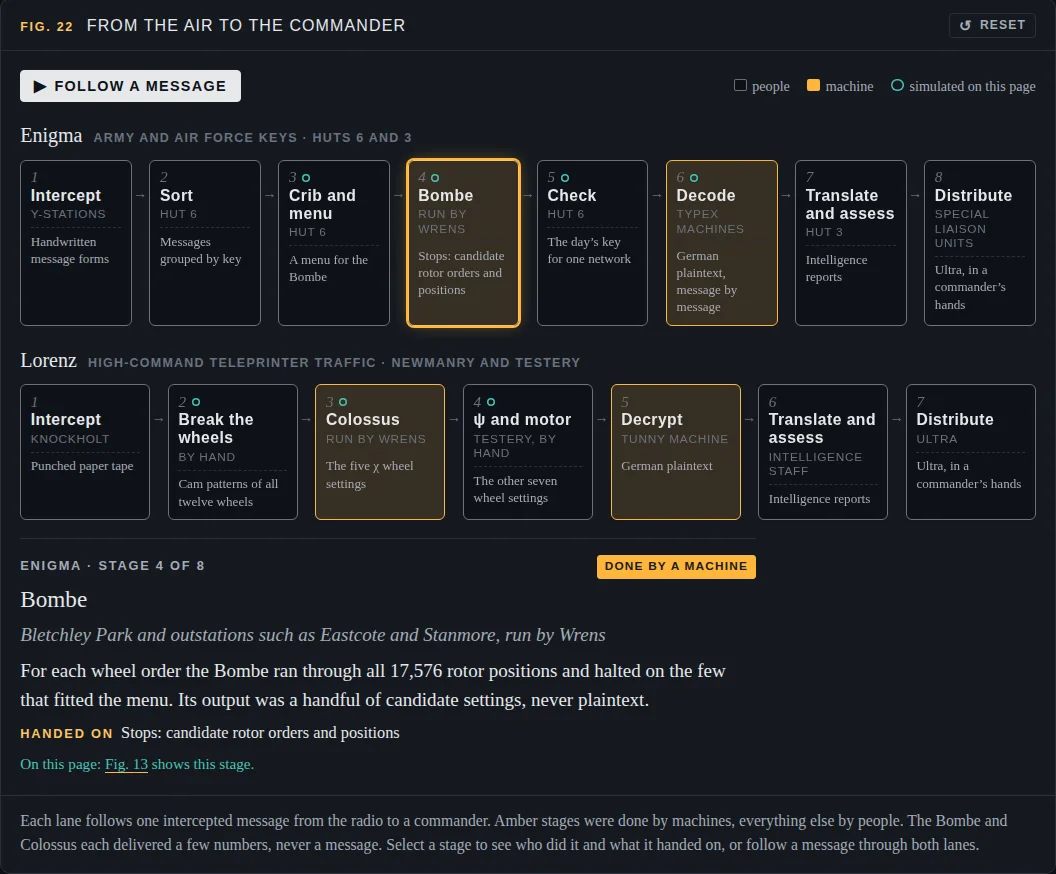
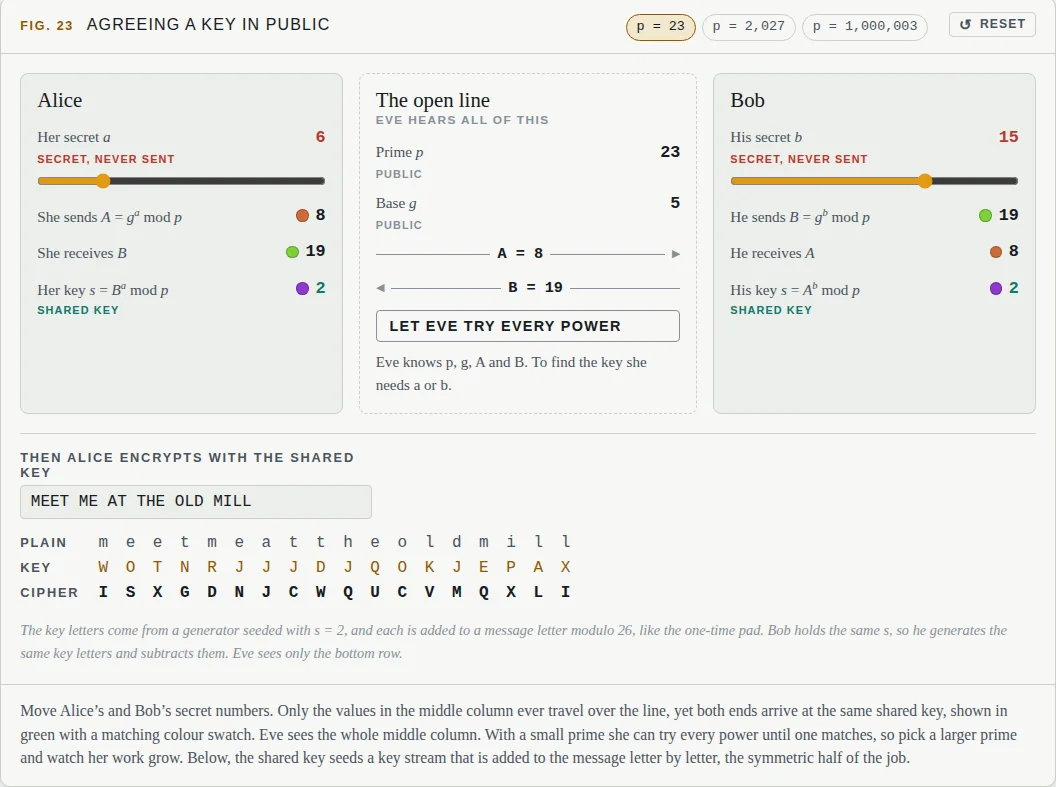
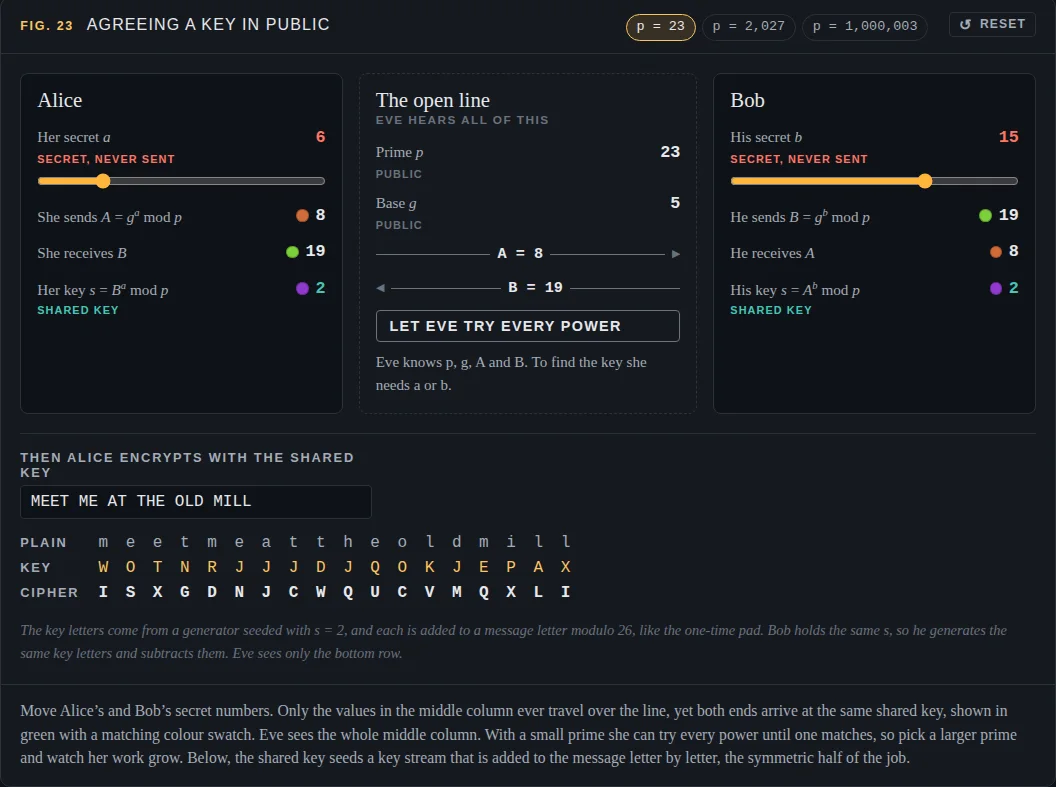
The gap
What most explanations leave out
A photo of the machine
You see the rotors, but not what the current does inside them.
HereType and watch the current
Every key press draws its path through plugboard, rotors and reflector, with the real wiring.
"Too many settings to try"
A big number, and the maths stops there.
HereThe arithmetic, shown
Modulo 26, the key space and why it peaks at eleven plug cables. Trying every setting at a million a second would take about five million years.
"And then Turing broke it"
The breaking is a footnote to the machine.
HereEvery break, step by step
Frequency analysis, Friedman's index, cribs, menus and a running Bombe, Tiltman's depth, Tutte's differences and Colossus's counts.
The route
Seven chapters, from one alphabet to keys in the open
- IOne alphabetCaesar's shift and the fingerprint every language leaves behind
- IIMany alphabetsVigenère's repeating keyword, and how Kasiski and Friedman measured its length
- ~The perfect cipherThe one-time pad, unbreakable if the key is random and never reused
- IIIEnigmaRotors, a reflector and a plugboard: a new alphabet for every keystroke
- IVLorenzTwelve wheels, teleprinter bits and the statistics that broke them
- VWhat broke themEvery cipher stretched a short secret into a long key, and left structure behind
- VIKeys in the openHow two strangers share a key today: Diffie–Hellman, RSA and what your browser does over https
By the numbers
The project keeps its own look: file paper and ink, Enigma lamp amber for the signal in, cable green for the way back and for bits, and a cryptanalyst's red pencil for contradictions.
Project 04 · desktop research tool
Sorcery
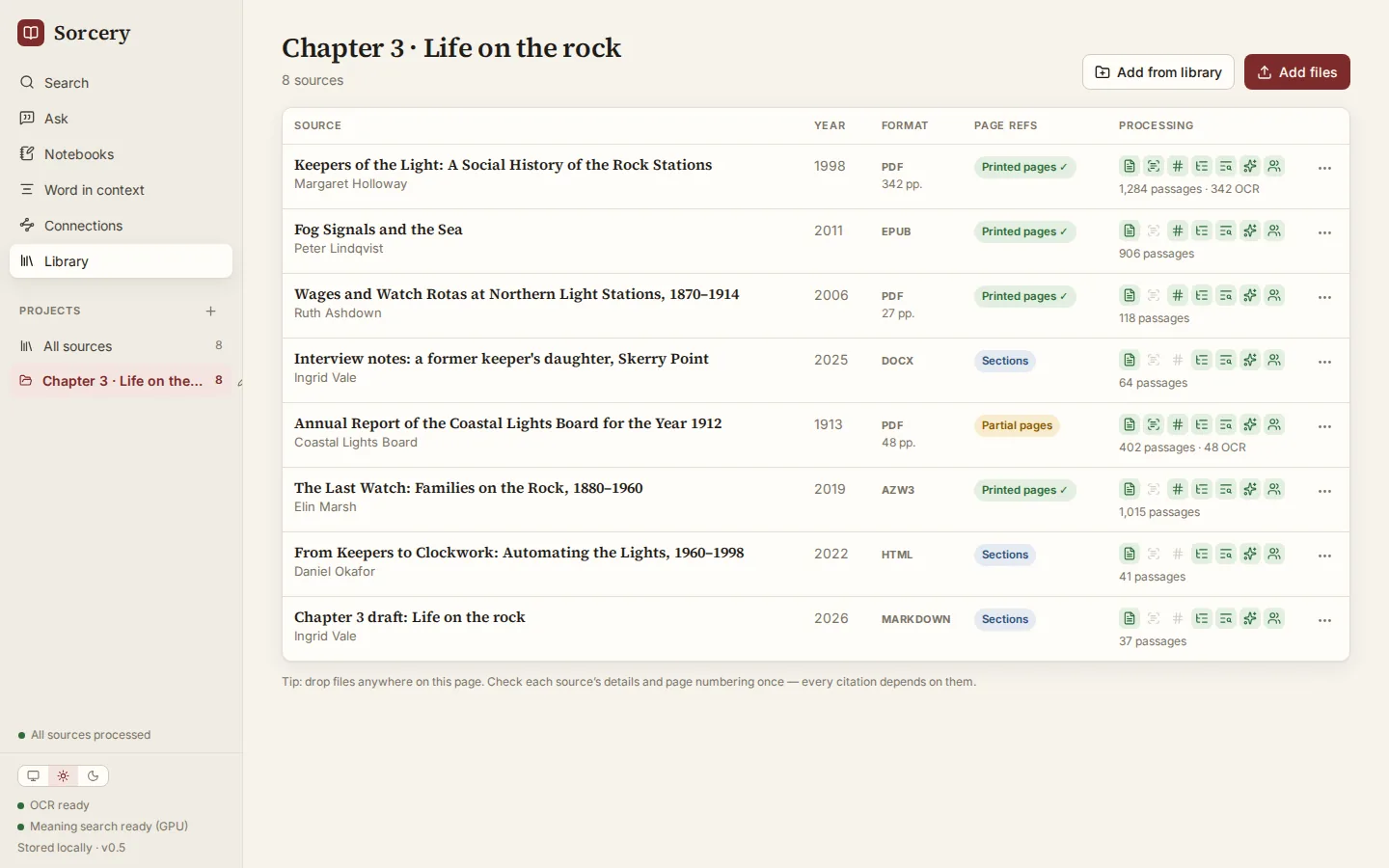
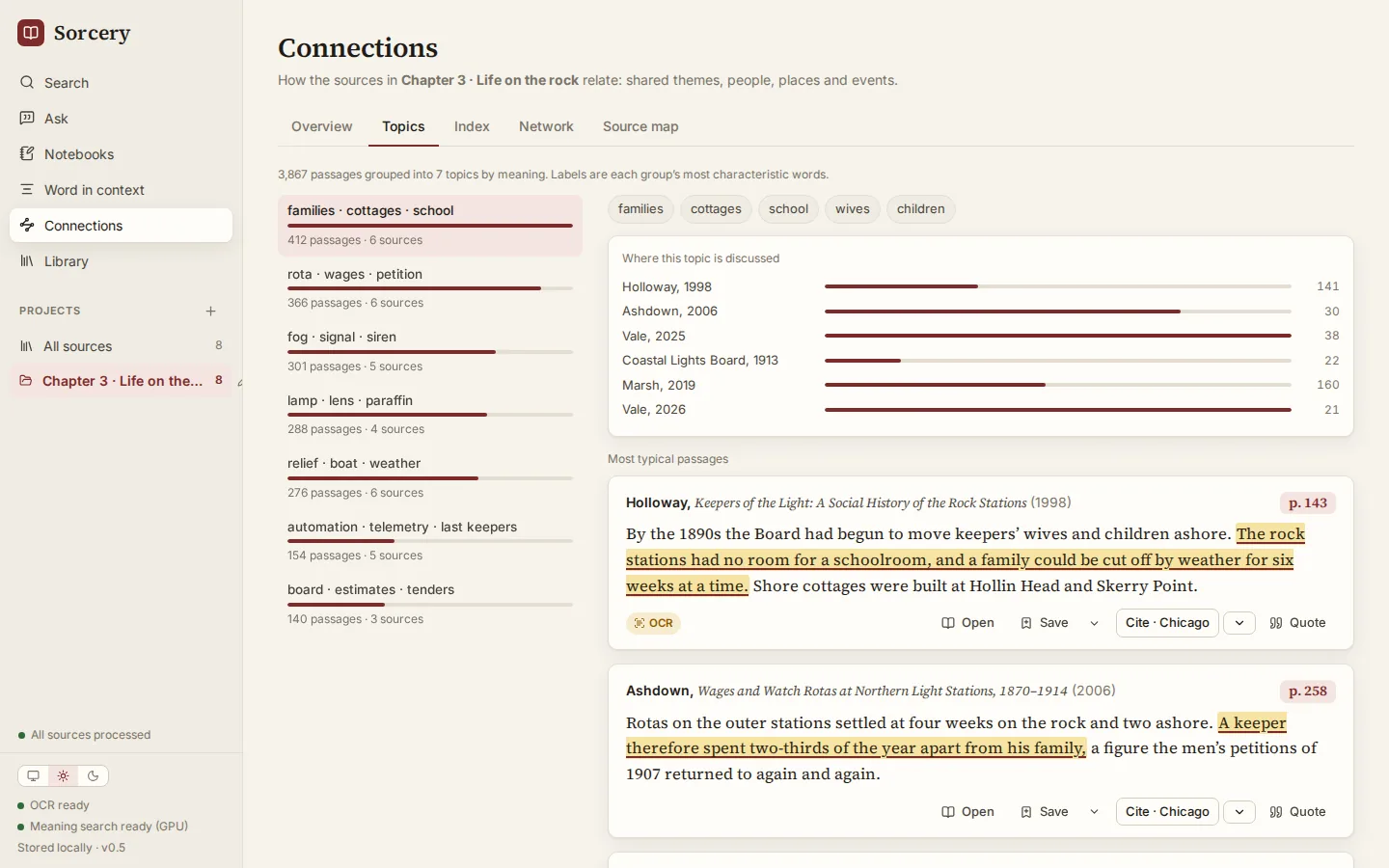
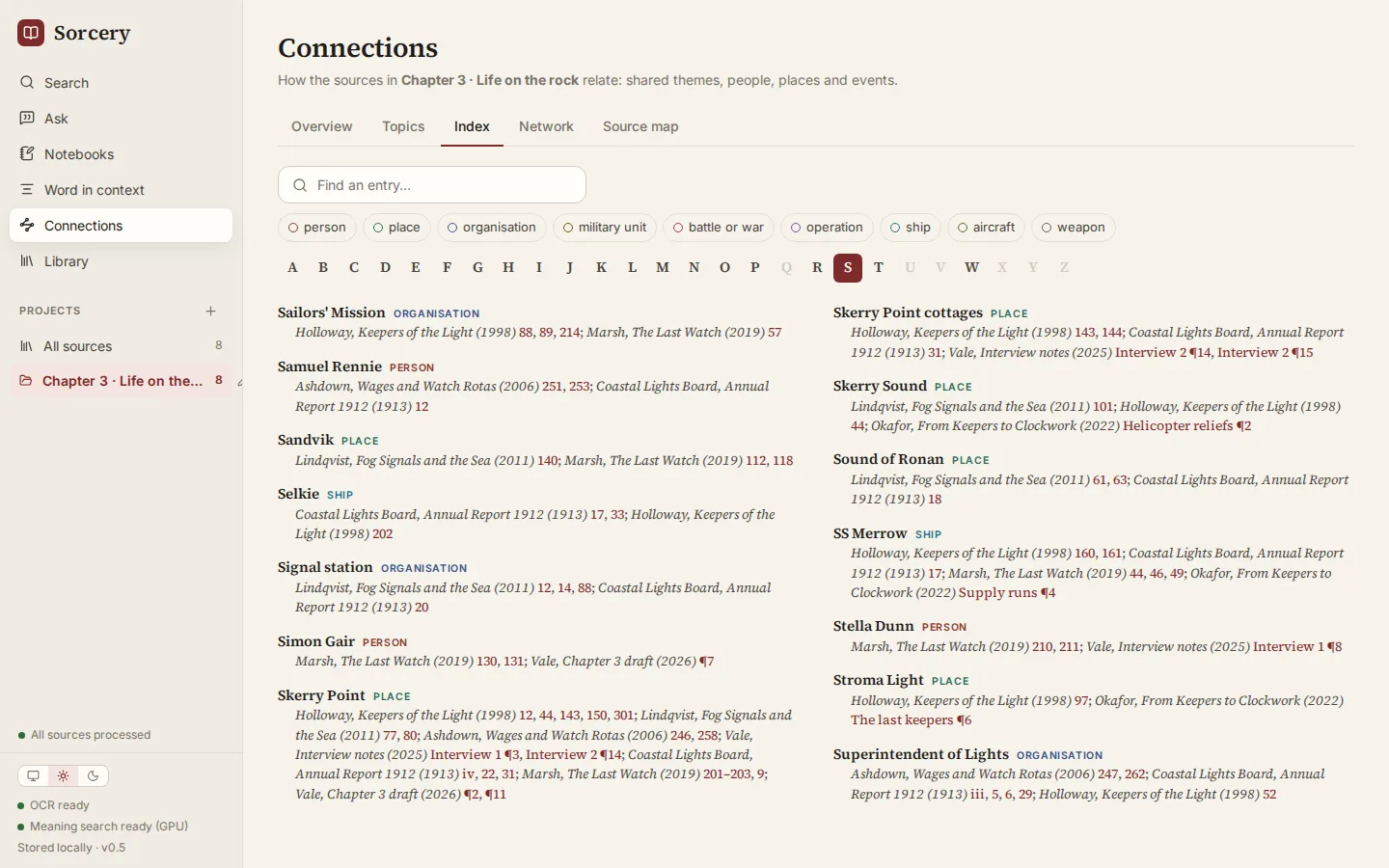
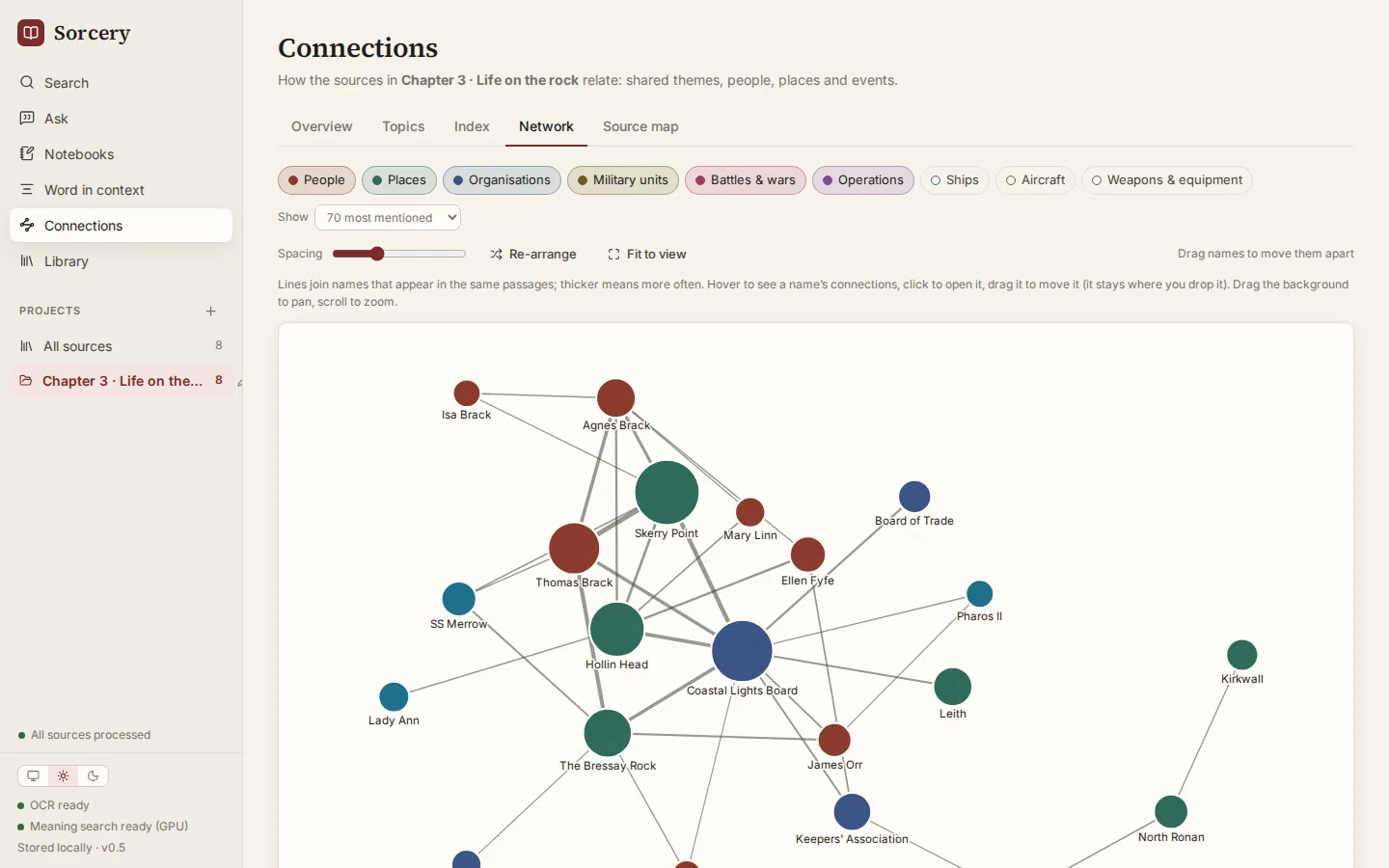
Your sources come as scanned PDFs, ebooks, Word files and web pages, each in its own reader, and none of them talk to each other. Sorcery reads them all into one library on your own computer, connects them by meaning, names and topics, and answers questions across every file with real page numbers you can put in a footnote.
The real app
Any book file in, one connected library out
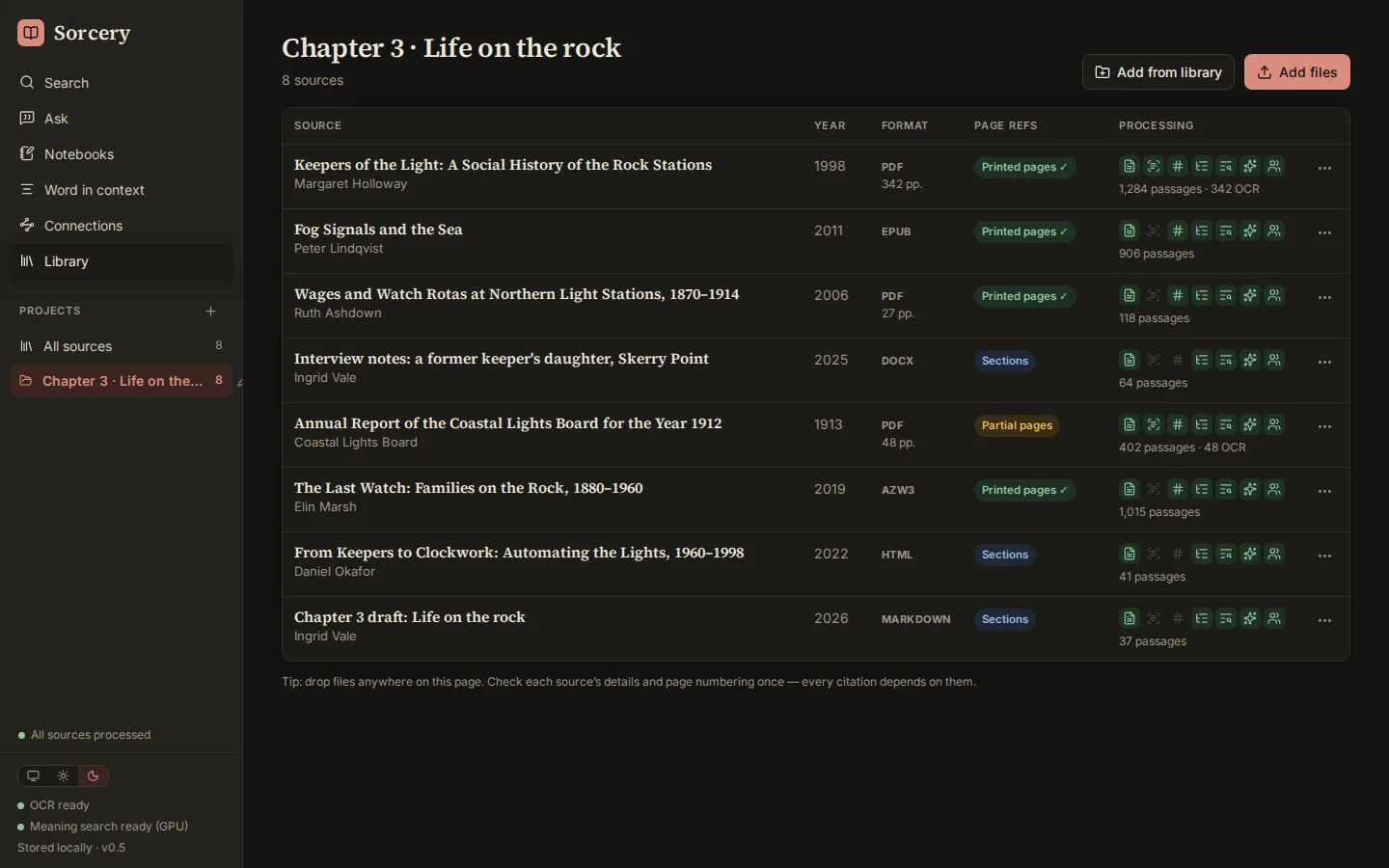
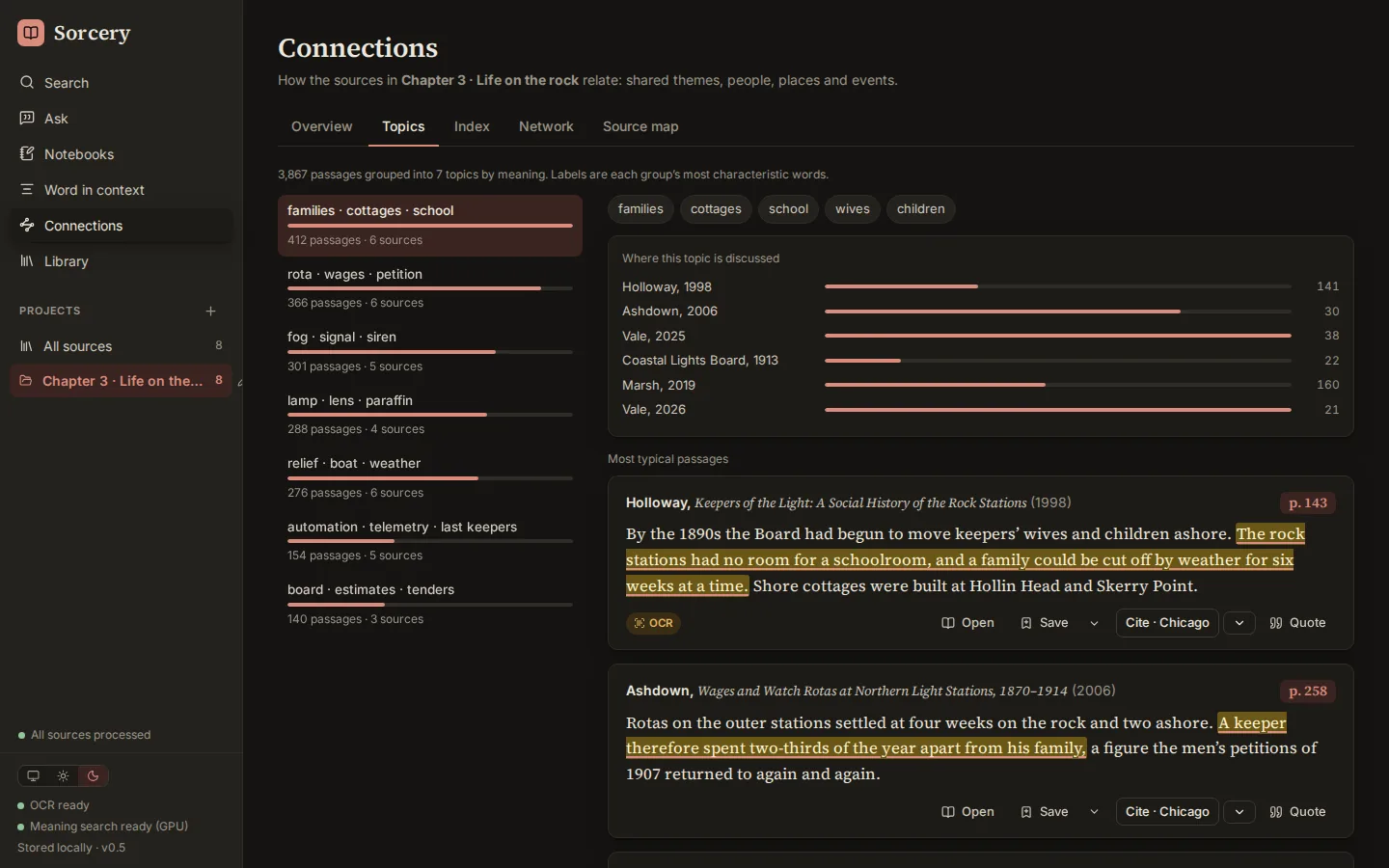
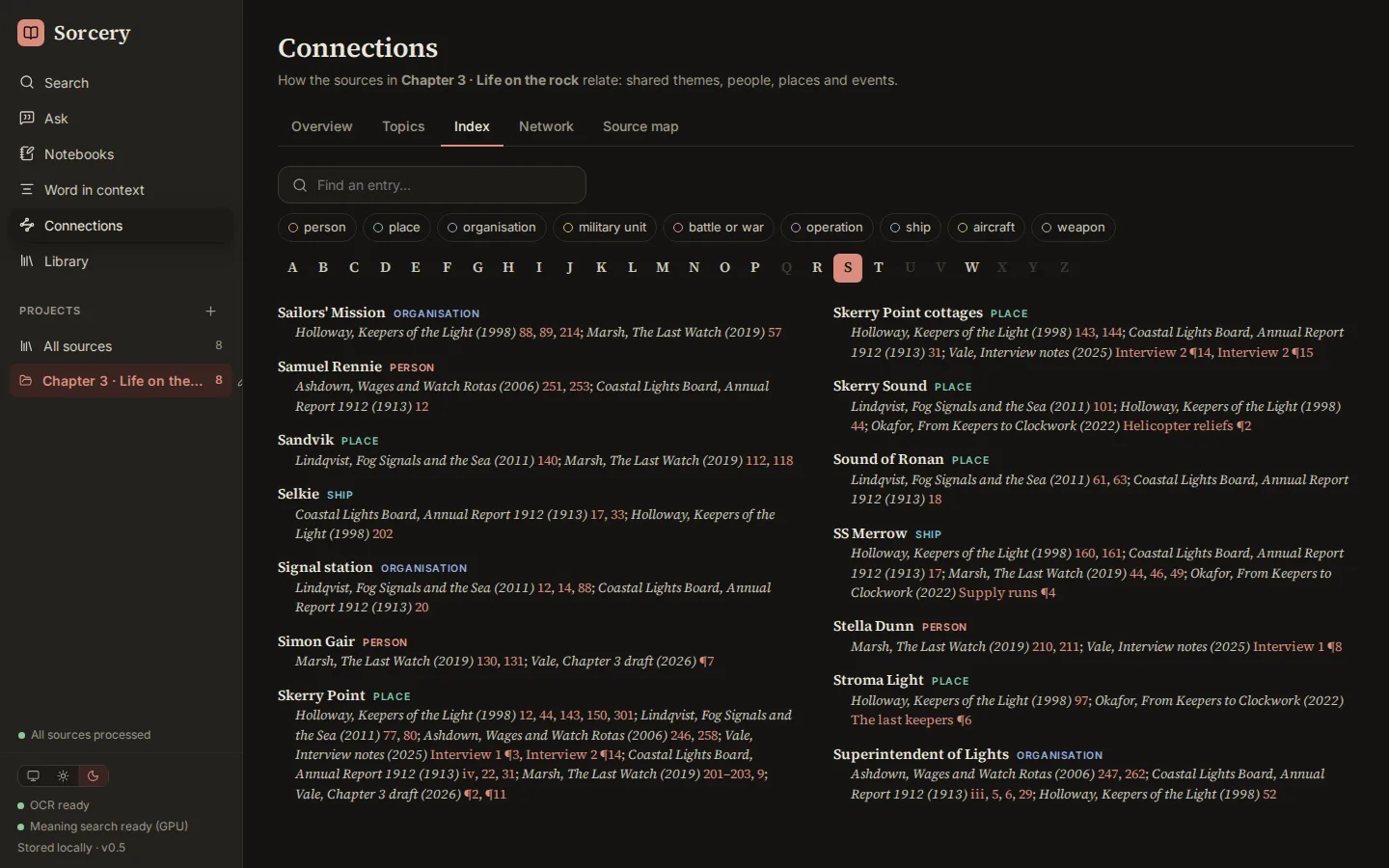
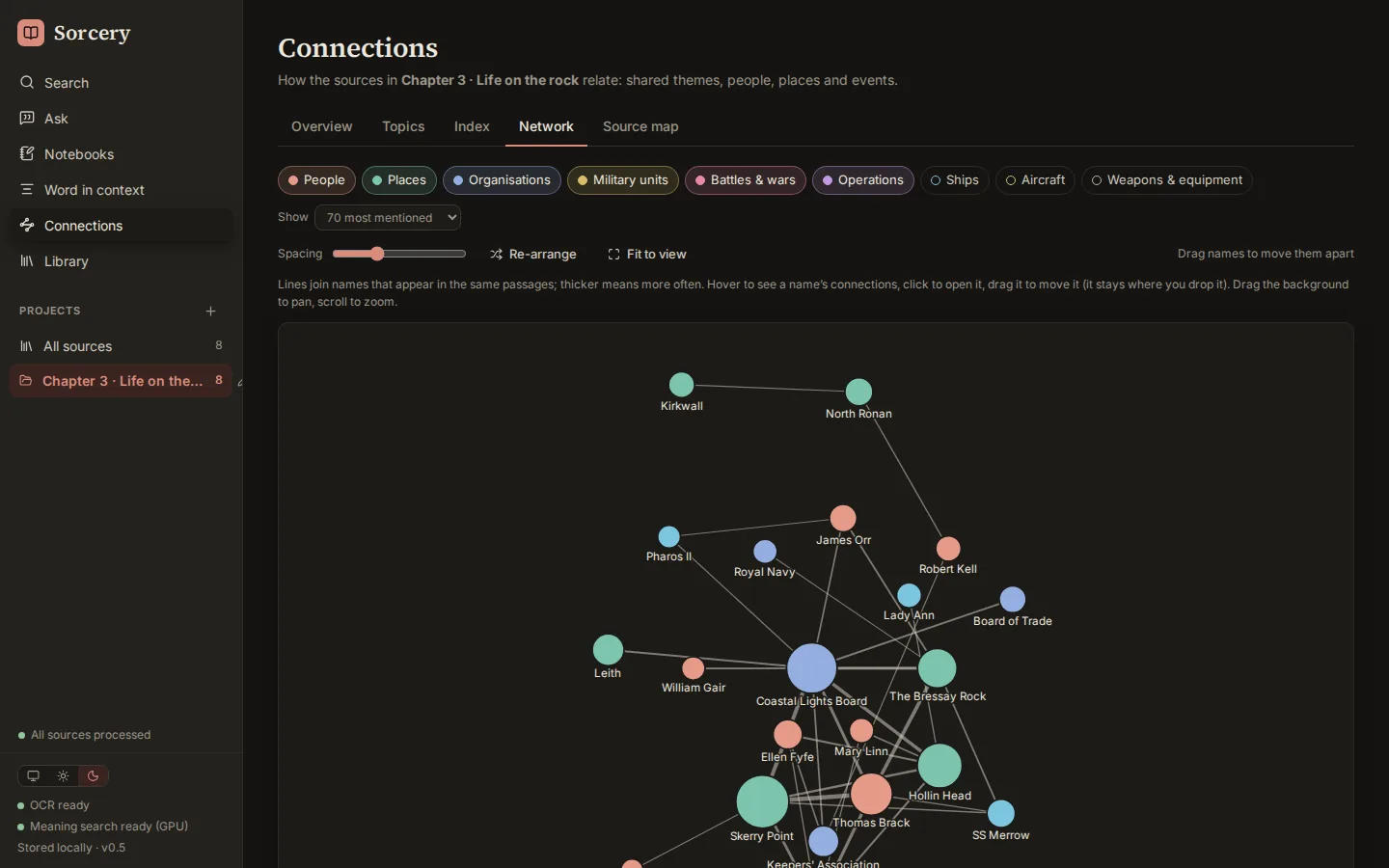
Drop in scanned PDFs, ebooks, Word files, web pages and your own drafts. Sorcery reads them all into one library and finds where they agree, overlap and cite the same people and places. Shown here with an invented project, a chapter on lighthouse families, so every title, person and place is made up; the app and its screens are real.
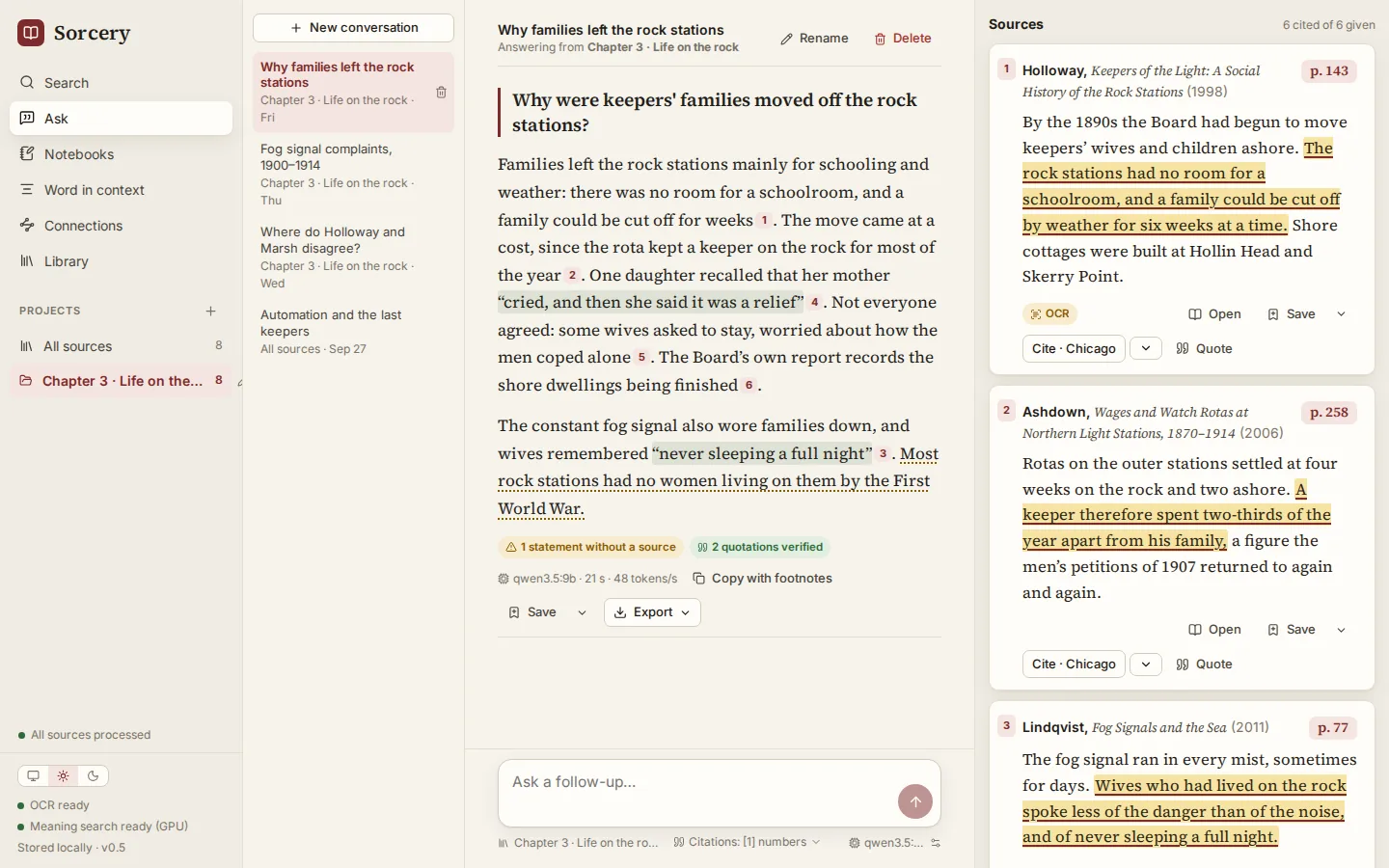
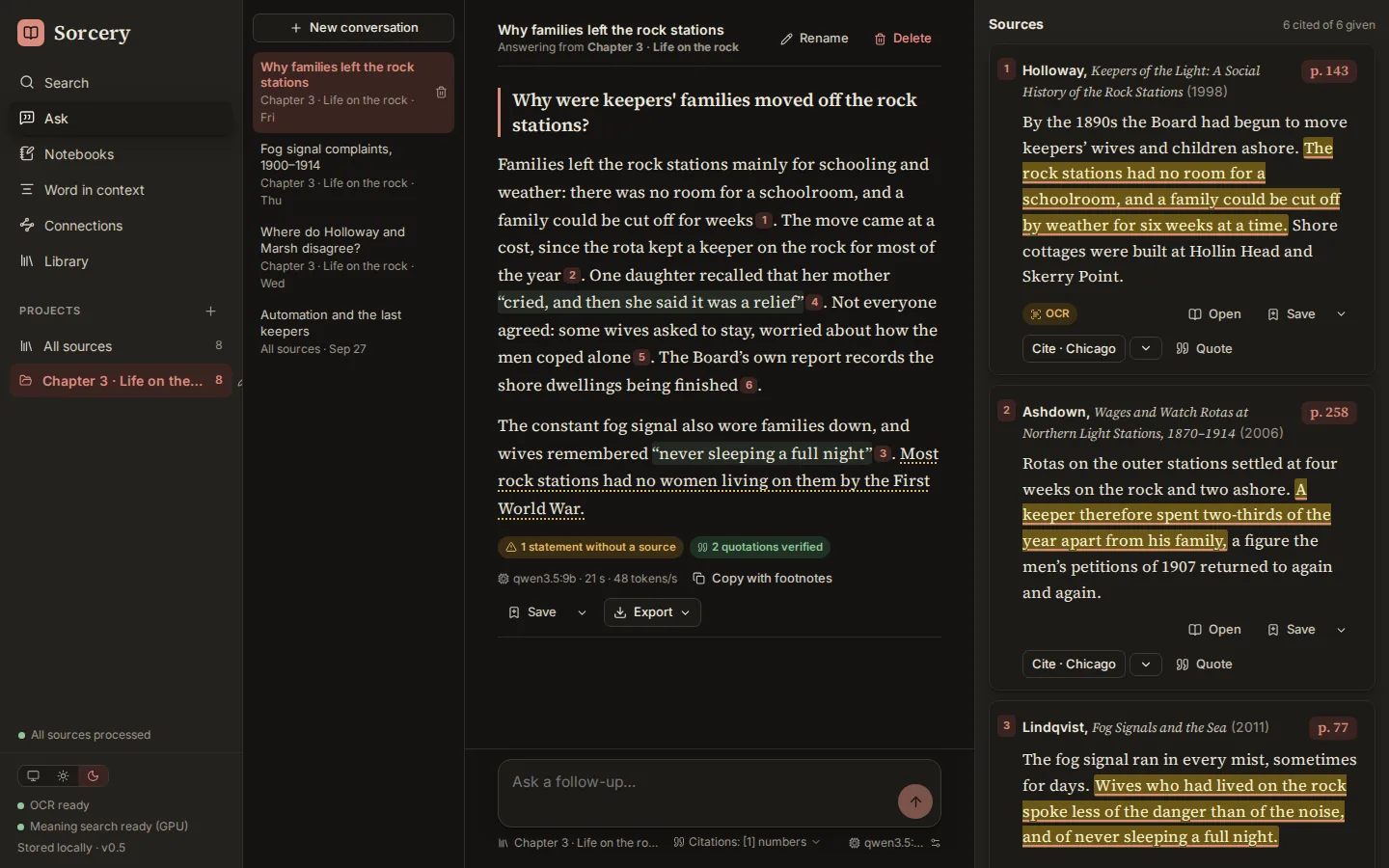
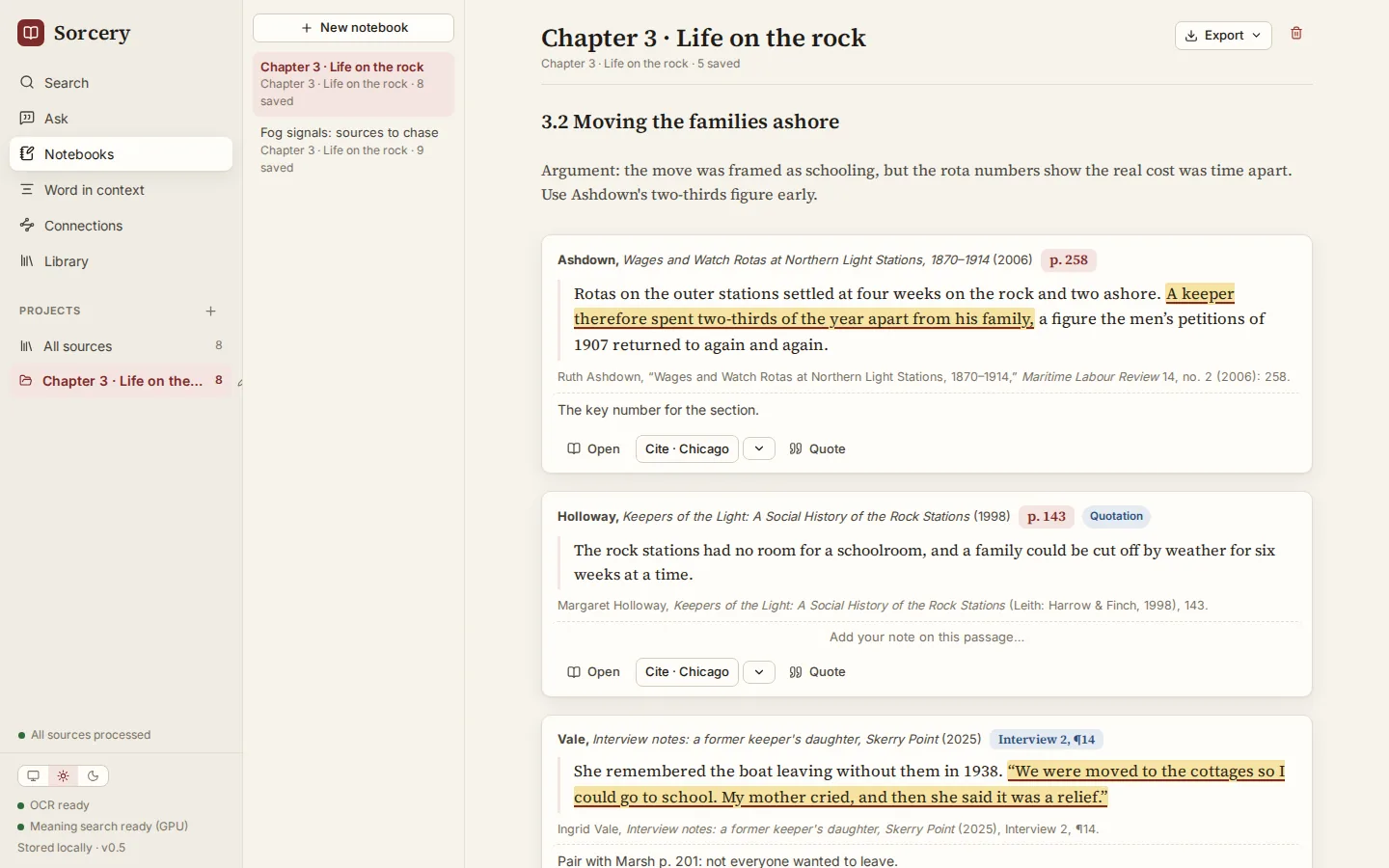
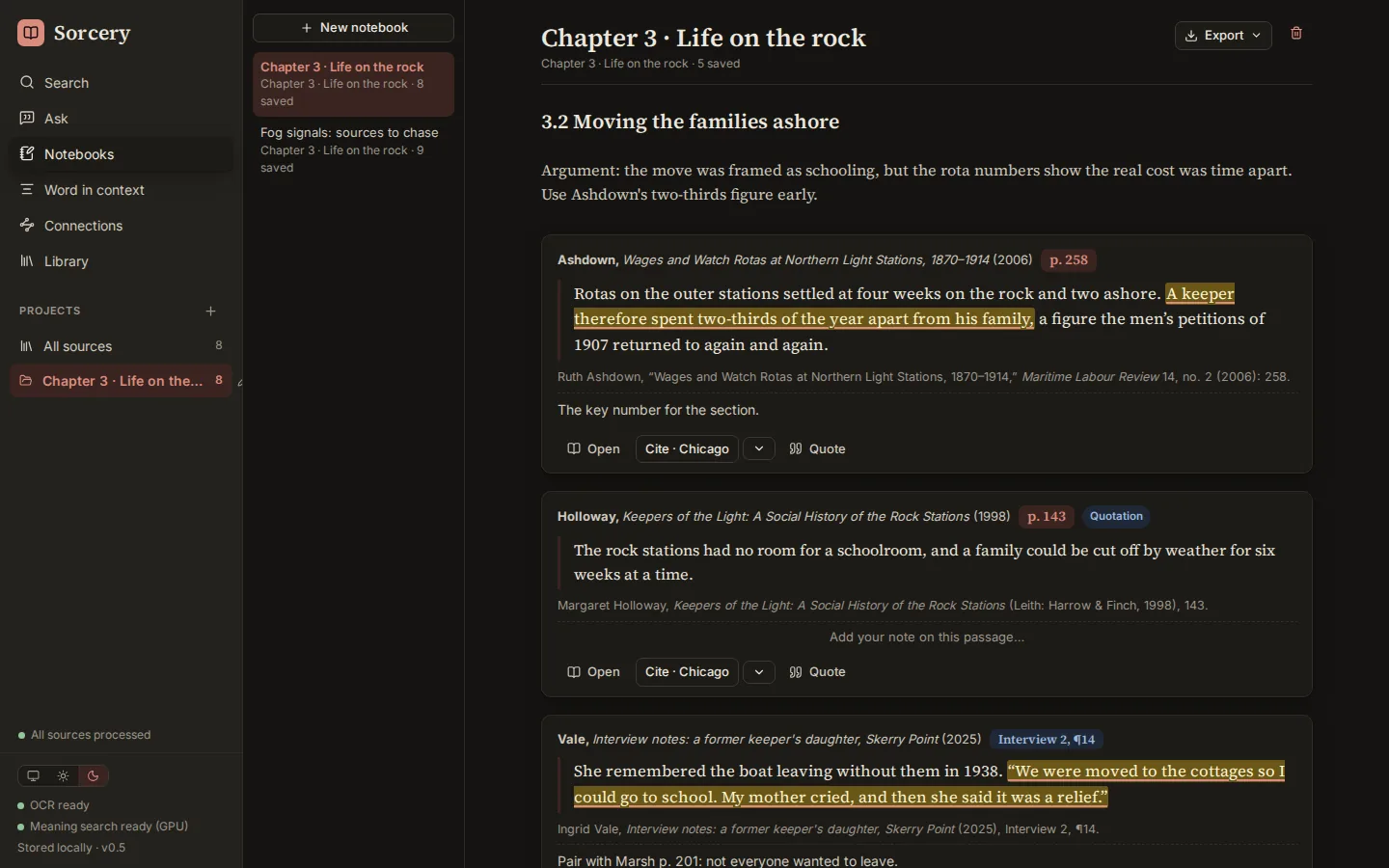
The gap
Three things a citation needs that other tools skip
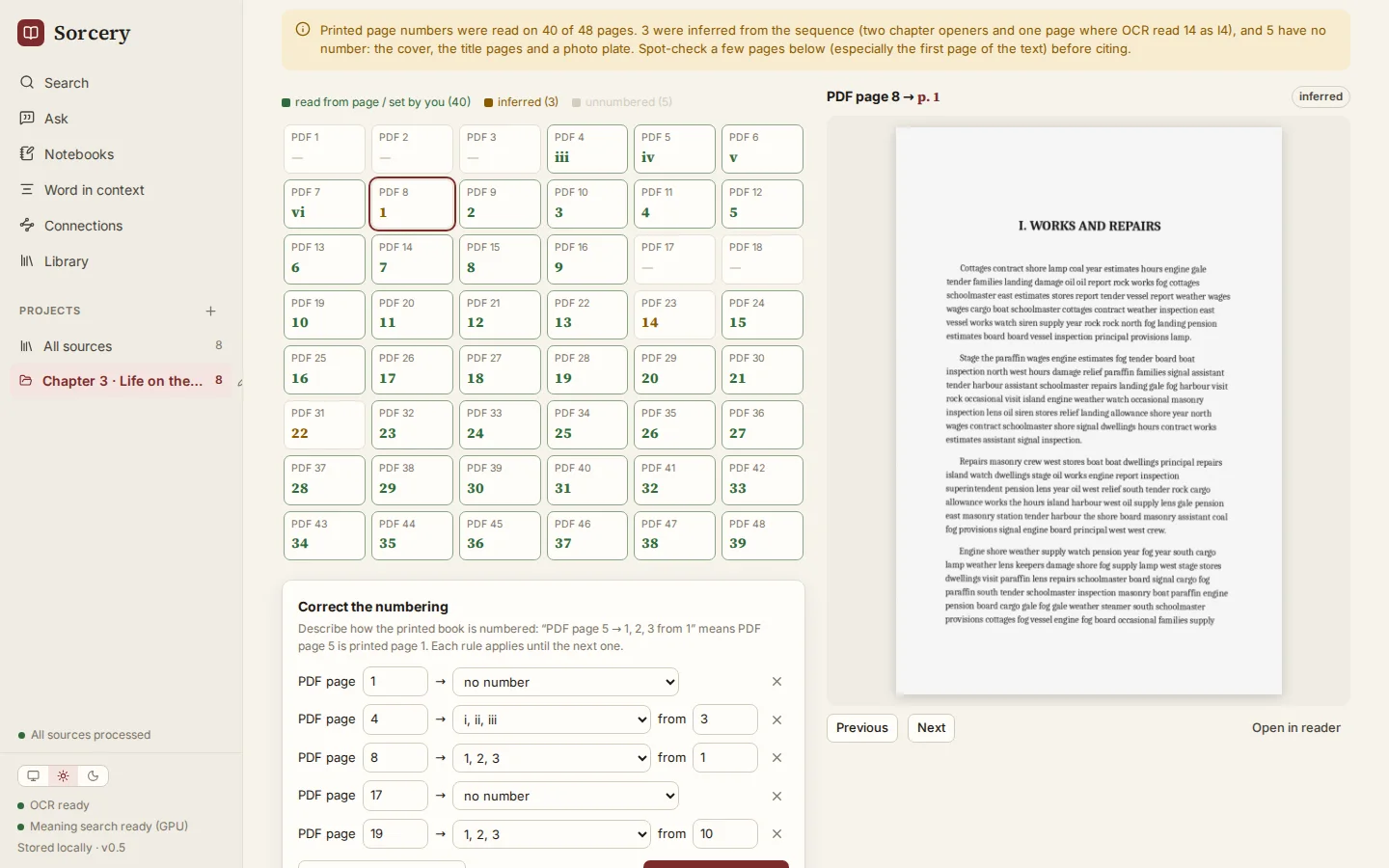
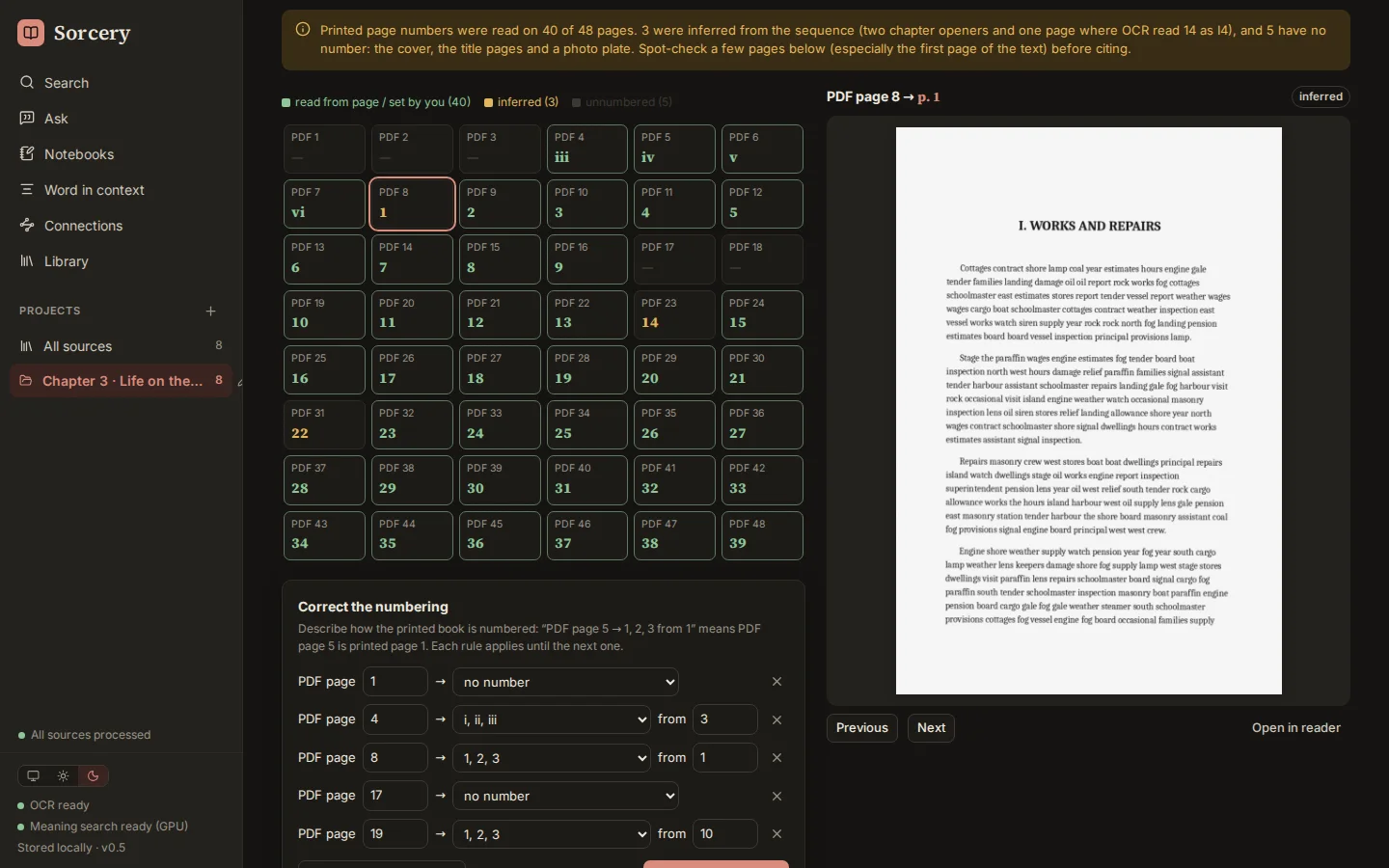
Page 58 of the file
The page counter counts the cover, the front matter and the plates. Cite that and your reader looks on the wrong page.
Page 46 of the book
Numbers are read from the page itself: roman front matter, unnumbered plates, chapter openers, articles that start at p. 245. Each one says how it was found.
Confident and unchecked
Ask about your PDFs and you get fluent prose, sometimes with a page number or a quote that isn't there.
Footnoted and checked
The model only sees numbered passages and writes [3]. The page behind [3] comes from storage, quotes are matched word for word, and unsupported sentences are underlined.
Upload your library
Your books and notes leave your computer, and the search runs on someone else's terms.
Everything on your GPU
OCR, meaning search, reranking, name finding and the assistant all run locally. Claude is an option you switch on with your own key.
How it works · page numbers
Which page is this?
A made-up book, as a PDF: a cover, roman front matter, an unnumbered photo plate and a chapter that opens without a number. Click any page to see what the PDF counter says, what Sorcery cites, and how it knows.
How it works · answers
An answer is checked before you rely on it
An invented question against two invented passages. The model writes the answer and its markers; Sorcery checks every marker and every quotation against what it actually sent. Run the check.
Passages sent to the model
The night shift logged every intercept by hand, and by spring the files filled three rooms.
Most of the staff were recruited from universities and were told nothing about the purpose of the work.
The model's answer
Intercepts were logged by hand, and by spring the files filled three rooms
.[1]
Staff came mainly from universities and were told nothing about the work
.[2]
The station closed in 1946.[3]
Many of them later wrote memoirs.
How it works · the machinery
Five drawings of Sorcery
What runs where, and how a file becomes a passage you can cite. Pick a part of the system.
Under the hood
Seven stages for every source
By the numbers
Built for footnotes
Project 05 · desktop app
Textery
LaTeX makes the best-looking theses and papers, but you write it as code. Word processors are easy to write in, but the result is hard to number, cite and typeset properly. Textery is a visual editor that writes clean, multi-file LaTeX behind the scenes and builds the real PDF a moment after you stop typing. It is Sorcery's companion: cite straight from your research library.
The real app
Textery, running in this page
This is Textery's own interface, not a recording: its server is replaced by a small stand-in so it runs in your browser. A pointer takes it through the main features on its own: it folds the PDF preview away for room to write, adds a source from its PDF and fills in the missing fields by selecting text in that PDF. Click or type anywhere in it and the tour stops, so you can try it yourself. The document and the source are invented, and the document's PDF was built ahead of time, so your edits won't appear in the preview.
Two screens
The text on one screen, the PDF on the other
The preview can leave the editor for a window of its own, so it can sit on a second screen and stay live. The editor notices and gives the room to writing. Both screens below run the real app, linked as they would be on a desk: press Back on the right-hand screen and the preview returns to the editor; open it in its own window again from the editor's preview bar.
The preview went back into the editor window.
Together
Two people, one chapter, at the same time
Start Textery with sharing on and the Together dialog gives a link for your network. Everyone who opens it edits the same chapter live: you see their changes as they type, a cursor with their name, and who is in which chapter. Below are two copies of the real app, Ingrid's and Jonas's, joined the same way. Click into either screen to stop the play-through and type in one to see it arrive in the other.
Waiting for Jonas to open Ingrid's link…
The gap
Between a word processor and a LaTeX editor
Easy to write, hard to finish
Numbering, cross-references, a bibliography in the right style and a clean table of contents all fight you near the deadline.
LaTeX does the finishing
Chapters, equations, figures, references and sixteen citation styles are LaTeX underneath, so the output is typeset properly every time.
You write code
Backslashes, braces and a log full of errors between you and the text, with the PDF a compile away.
Write, and watch the PDF
Headings, emphasis, rendered maths and tables look like the output. The LaTeX is one switch away, and problems are explained in plain language with a link to the line.
Your thesis on their server
Documents live in someone else's account, and working together means one shared copy.
Plain files, your choice of sharing
A folder of .tex files that also opens in Overleaf. Share live on your network, or sync through GitHub with paragraph-by-paragraph merges.
How it works
From a keystroke to a page
Edit visually
A TipTap editor shows chapters, maths (KaTeX and MathLive), tables, figures and citation chips as they will print.
Write clean LaTeX
Each chapter is saved as its own .tex file, one paragraph per line, so Git merges paragraph by paragraph. main.tex is generated from Document setup.
Build the PDF
Tectonic (XeLaTeX) builds a moment after you pause, with biber for APA and Chicago. Errors come back in plain language.
Keep every version
A version every few minutes, named milestones, word-by-word comparison and restore, plus live editing together and GitHub sync.
By the numbers
A typesetter that feels like a word processor
Project 06 · desktop tool
Shelver
Every audiobook and ebook app wants its own folder layout, and books arrive in any shape: a folder of chapter MP3s, a single .m4b, an EPUB next to a MOBI, a Calibre export. Shelver reads each book's own metadata, keeps the files that belong together, and moves them into the layout your app expects. It never renames a file, shows every move before it happens, never overwrites anything, and can undo a run.
The real app
Shelver, running in this page
This is Shelver's own interface and its own planning code, running in your browser. Only the disk is pretend: an invented library of thirteen books that exists in memory. A pointer scans it, fixes a missing author, tries other layouts, organizes it and undoes the run. Click or type anywhere in it and the tour stops, so you can try it yourself. Nothing on your computer is read or touched.
The gap
Between a messy book folder and a tidy library
Each has its own rules
Audiobookshelf, Plex, Jellyfin, Kavita and Komga each expect a different folder structure, documented in different places.
Pick the app, get its layout
Thirteen reference layouts, each linked to that app's own documentation, or a template of your own with a live example as you type.
They rewrite your files
Bulk renamers and taggers change file names and tags, which breaks other apps' references to them.
Only the folders change
File names and tags stay exactly as they were. When you correct an author or a title, only the folder name uses it.
Move first, hope later
Two books with the same name, a half-copied folder or a drive that drops out can leave a library in pieces.
Preview, then a journal
Nothing is overwritten, a conflict skips the whole book, moves across drives are checked before the original is removed, and every run can be undone.
How it works
From a pile of files to a shelf
Find the books
Files are grouped into books: a folder of chapters with its disc sub-folders, a single .m4b and its cover, an EPUB and a MOBI of the same title, a Calibre-style book folder.
Read what each book says
Sidecar files first (metadata.opf, metadata.json), then embedded metadata in EPUB, MOBI, FB2, PDF, CBZ and audio tags, then file and folder names. Anything guessed from a name is flagged.
Plan the shelf
A template such as {author}/[{series}/]{title} places each book. Spelling variants of an author or series share one folder, names are made safe for Windows, macOS and NAS shares, and collisions are found before anything moves.
Move, with a way back
Move or copy after you confirm. Folders left empty are cleaned up, and a journal of every move makes undo possible. The command line does a dry run unless you add --apply.
By the numbers
Careful by design
Project 07 · an illustrated formula library
Mathlab
A formula collection that explains itself. Every formula, from adding fractions to the surface of a cone, escape velocity, the rocket equation and the slowing of time near a black hole, comes with a picture you can move, the reason it is true, a worked example, and a problem to try with hints instead of answers. Written for pupils from about ten to sixteen, and for teachers who want the mechanics, not answers to copy. In English and Danish.
- 11shelves of mathematics
- 8of physics
- 3of chemistry
The real site
Mathlab, running in this page
This is the whole site, not a picture of it. Pick a page, then move the figures, open the derivations step by step and try the problems. The same pages exist in Danish.
The front door: search every formula, then pick a shelf. Each shelf is numbered like a reference book, so figure numbers stay put as the library grows.
The gap
Between a formula sheet and an answer machine
The formula, and nothing else
Symbols in a box. What they mean, and why the formula holds, is left to the reader.
MathlabEvery formula explains itself
Colour-coded symbols with units, one plain sentence, and a derivation you step through while a drawing follows along.
Type the problem, copy the answer
Fast, and nothing is learned.
MathlabHints instead of answers
Each "Your turn" has an answer box and a ladder of hints that ends with the method, never just the number.
A still picture
One drawing with one set of numbers.
MathlabMove it and watch the numbers
Every figure is live, and a line under it shows the formula with today's numbers plugged in, in the same colours as the symbols.
Anatomy of an entry
Seven parts, the same on every page
- 1Formula cardThe formula with colour-coded symbols, one plain sentence, and a legend of every symbol with its unit
- 2Live figureDrag it, and the formula is shown again with the new numbers in it
- 3Where it comes fromA step-by-step derivation, with a diagram that follows each step
- 4Worked exampleUnderstand, plan, solve, check, revealed one step at a time
- 5Your turnAn answer box with a ladder of hints that ends with the method
- 6Watch outThe classic misconception, named and taken apart
- 7RelatedWhat it builds on, what it leads to, and the classic problem that tells its story
By the numbers
One catalog, two languages, no build step
Plain HTML, CSS and JavaScript with no build step and no server: open index.html and it works. One catalog file drives the menus, the search, the formula sheet and the related links, and every figure is drawn in SVG from the same colour tokens in light and dark.